









You can summarize the following content using these AI tools:

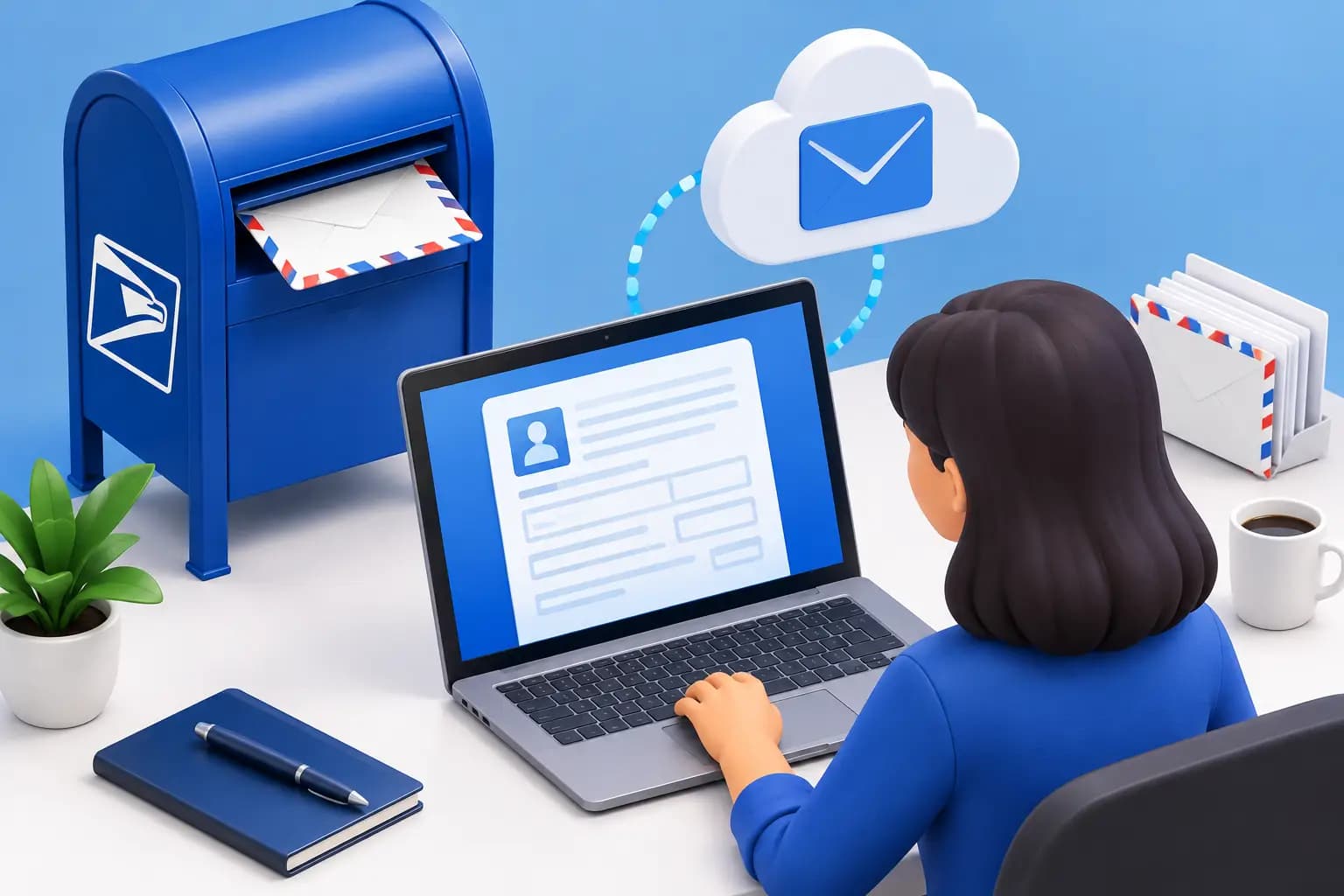
A virtual mailbox can give you a legitimate U.S. street address and control over every letter from a secure dashboard. Before mail can be received on your behalf, however, USPS Form 1583 requirements must be completed. This authorization is what allows a Commercial Mail Receiving Agency, or CMRA, to accept mail for you legally.
For founders, remote professionals, and international business owners, Form 1583 is not busywork. It is the identity-verification step that protects your mail, helps prevent fraud, and keeps your address service USPS-compliant from day one.
What USPS Form 1583 Does
USPS Form 1583, Application for Delivery of Mail Through Agent, authorizes a mail-receiving provider to receive mail and packages addressed to you or your business. Virtual mailbox providers, private mailbox stores, and similar services that operate as CMRAs use this form.
The form establishes who is entitled to receive mail at the mailbox address. It also gives the provider the information needed to verify identity before sensitive items such as bank correspondence, government notices, checks, and legal documents enter its mail-handling workflow.
This is why a virtual mailbox is different from simply entering an address into a checkout form. The mailbox address is real, but USPS requires a verified connection between the recipient and the receiving agent.
USPS Form 1583 Requirements at a Glance
Most setup delays come from incomplete identity details, unsupported identification, or a missing notarization. Preparing the right information before you start makes the process much faster.
Complete the recipient information exactly
Use your full legal name, including middle name or initial where applicable, and provide your current physical home address. This is your actual residential address, not the virtual mailbox address you are opening.
You will also provide contact details and identify the address where your mail will be received. If you have used other names for mail, such as a former legal name or business-related name, disclose them where the form requests that information. Consistency matters. The name on the form should match the name on your identification and the name used for incoming mail.
Provide two acceptable forms of identification
USPS generally requires two forms of ID, with at least one containing a photograph. Acceptable documents can include a current driver’s license or state-issued ID, passport, military ID, or other identification accepted under USPS CMRA rules.
A second ID may be a document that supports your identity and physical address, such as a vehicle registration, insurance policy, lease, mortgage document, utility bill, voter registration card, or another qualifying record. The exact acceptable options can depend on the current USPS standards and the provider’s verification process.
Your documents should be current, legible, and unexpired. A blurry image, cropped passport page, expired license, or document showing a different legal name can stop approval even when the form itself is complete.
Sign in person or use notarization
If you complete Form 1583 in person with an authorized mailbox representative, the representative can verify your identification and witness the signature. If you are setting up remotely, which is common for digital nomads and overseas founders, the form typically needs to be notarized.
Remote online notarization may be available depending on the provider’s process and applicable rules. Do not assume that any digital signature or ordinary e-signature replaces notarization. The form needs a valid execution method that the receiving agency can accept for USPS compliance.
For customers outside the United States, notarization can require additional planning. A U.S. consulate, local notary process, or approved remote notarization service may be relevant depending on your location and the provider’s onboarding rules. Ask before purchasing if timing is critical.
Requirements for Businesses and Teams
A business mailbox adds another layer of detail because mail may arrive under a company name while still being collected by real people. The business name should match the legal entity name or approved trade name used on your mail.
Every person authorized to receive mail for the business may need to be listed and verified. That can include founders, officers, employees, or an authorized mail manager. If your team changes, update the authorization rather than assuming a former employee can continue accessing mail.
This matters most when the mailbox will receive high-stakes documents. Banks, state agencies, tax authorities, payment processors, and clients may send correspondence that demands a fast response. A clear authorization record helps ensure your mail is visible only to the people who should have access.
A virtual address also serves different purposes. Form 1583 authorizes mail receipt, but it does not by itself prove a commercial lease, establish state nexus, or guarantee acceptance by every bank or government agency. If you need formal business-address documentation for formation, banking, or verification, confirm that your provider can supply the specific documents your use case requires.
A Simple Setup Workflow
The quickest path is to collect your documentation before choosing forwarding preferences or requesting your first scan. Start by deciding whether the mailbox will be personal, business, or both. Then use the same legal names across the application, Form 1583, and ID documents.
Next, photograph or scan both IDs clearly in full. Check expiration dates, visible corners, and spelling. If your current home address differs from the address shown on one document, provide qualifying supporting documentation rather than trying to edit or obscure the discrepancy.
Then complete the form and follow the required signature process. Once approved, you can begin using the mailbox address for incoming mail. From there, a well-designed service should make physical mail feel like a digital workflow: receive an arrival notification, view the envelope scan, request an open-and-scan action, forward a package, shred unwanted mail, or direct a check deposit from your dashboard.
At Virtual Mail Hub, this verification process supports a premium U.S. business identity without requiring you to maintain a traditional office. Your address and mail controls stay available wherever you are, while the underlying authorization keeps the service legitimate and secure.
Common Form 1583 Mistakes That Cause Delays
The most common mistake is using the mailbox address as the applicant’s physical home address. Form 1583 asks for your true residential address, even if privacy is one reason you are opening a virtual mailbox.
Another issue is a name mismatch. For example, an application under “J. Smith” may be delayed if the submitted passport says “Jordan Alexander Smith” and no matching details are provided. The same problem can occur when a business receives mail under a DBA that was never added to the account.
Notarization errors are also common. A notary may complete a certificate incorrectly, omit required fields, or notarize an incomplete form. Review every page before submitting it, and do not sign until the notary instructs you to do so when an in-person notarization is required.
Finally, do not treat approval as optional because you are only expecting packages. USPS compliance applies to mail received through the agent, and providers may limit service until verification is complete.
Protecting Your Mail After Approval
Form 1583 approval is the beginning of responsible mail management, not the end. Once your mailbox is active, use strong account credentials and limit dashboard access to people who genuinely need it. For a team, shared visibility is useful, but access should follow roles, especially for finance, legal, and operations mail.
Create a simple routine for sensitive items. Government notices should be reviewed promptly, checks should follow a documented deposit process, and mail containing personal information should be securely shredded when no longer needed. For packages, consolidation can reduce forwarding costs, while forwarding only urgent items can keep your operation lean.
The value of a virtual mailbox is not merely having mail sent somewhere else. It is having a verified address, clear chain of custody, and mail management on autopilot when you are traveling, building remotely, or operating across borders.
Frequently Asked Questions
Do I need USPS Form 1583 for a virtual mailbox?
Yes. If a virtual mailbox provider receives USPS mail on your behalf as a CMRA, you generally need to complete Form 1583 before service can be fully activated.
Can I use a passport for Form 1583 identification?
A current passport is commonly accepted as photo identification. You will usually still need a second qualifying form of ID or supporting document. Check your provider’s current document instructions before submitting anything.
Does USPS Form 1583 need to be notarized?
It usually needs notarization when you cannot sign it in person before an authorized mailbox representative. Remote customers should follow the provider’s approved notarization process rather than relying on an ordinary electronic signature.
Can I use Form 1583 to prove my business address to a bank?
Form 1583 authorizes mail receipt and verifies the mailbox relationship. It is not automatically the same as proof of a commercial lease or utility service. If a bank or platform requests address documentation, confirm which records it accepts before applying.
How long does Form 1583 approval take?
Timing depends on how quickly you submit complete, readable identification and a properly executed form. Preparing your documents first is the best way to move from address selection to secure mail control without unnecessary delays.