You can summarize the following content using these AI tools:

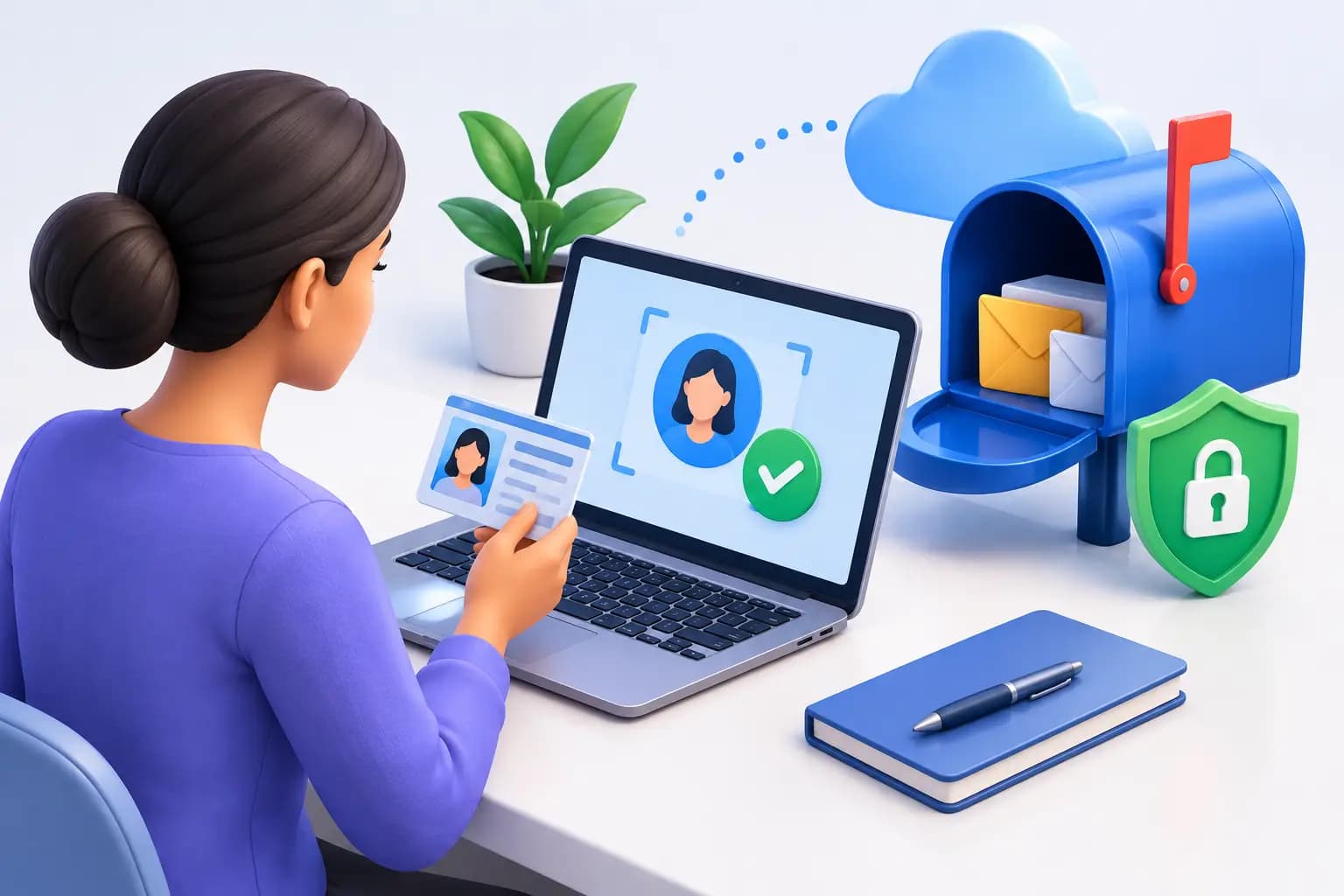
Your virtual mailbox cannot begin handling mail until the mailbox provider knows who is authorized to receive it. That is the practical answer to how to verify CMRA identity: complete USPS authorization, submit valid identification, and make sure every detail matches before mail starts arriving.
For founders, remote professionals, and international business owners, this process is more than administrative paperwork. It protects your mail, supports a legitimate U.S. business identity, and gives your commercial mailbox provider the authority to receive postal mail on your behalf.
How to Verify CMRA Identity: The USPS Requirement
A CMRA is a Commercial Mail Receiving Agency. This includes virtual mailbox providers and private mailbox locations that receive U.S. mail for customers. Before a CMRA can accept mail in your name or your company’s name, USPS rules require a completed PS Form 1583, Application for Delivery of Mail Through Agent.
Form 1583 tells USPS that you authorize the CMRA to receive mail for you. It also records the identity of the applicant and, when relevant, the business entities and recipients connected to the mailbox. Without an approved form, a provider may be unable to release, scan, forward, or otherwise process your mail.
The goal is straightforward: mail should reach the intended recipient, not someone using a borrowed name, a false address, or an unverified business profile. Identity verification creates a documented chain of authorization between you, your mailbox, and the postal system.
Start With an Accurate Form 1583
The most common reason verification slows down is not a missing document. It is a mismatch. A name abbreviated on one document, an old home address, or a business name that does not match formation records can trigger a request for correction.
Complete Form 1583 using your current legal name exactly as it appears on your government-issued photo ID. Use your true physical residential address where requested. A virtual mailbox address is a commercial mailing address, not a substitute for your personal residence on identity documentation.
If you are opening a mailbox for a company, list the business information carefully. The business name should match the legal entity name or registered trade name you intend to use for mail. Add every person who needs to receive mail under that account, such as a founder, officer, or authorized team member. A provider cannot assume that a person is authorized simply because they work for the business.
For international founders, the same principle applies. Your U.S. mailing address can support your operating presence, while the physical address on your identification should reflect where you actually live.
Provide Two Acceptable Forms of Identification
USPS identity verification generally requires two forms of identification. One must be a valid photo ID. The second confirms additional identity or address information.
Your photo ID may be a state driver’s license, state ID card, U.S. passport, foreign passport, military ID, or another eligible government-issued identification document. It should be current, legible, and clearly show your full name and photo.
The second ID is often a document tied to your current physical address. Depending on the document and the provider’s review process, acceptable options may include a utility bill, lease, mortgage statement, vehicle registration, voter registration card, insurance policy, or a current government-issued document. The specific requirements can vary, so submit documents that are current and display the necessary details clearly.
Avoid cropped screenshots, expired IDs, documents with glare, and files where key details are unreadable. A high-quality photo or scan saves time and reduces back-and-forth. If your name has changed or your residential address is newly updated, include supporting documentation when requested rather than hoping a reviewer can infer the connection.
Complete Notarization Correctly
Form 1583 must be notarized before it is accepted. This step confirms that the person signing the form is the person shown on the identification documents.
You may be able to complete notarization with a local notary or through an approved remote online notarization process, depending on the provider’s workflow and your location. Remote notarization is particularly useful for digital nomads and overseas founders who need to establish a U.S. mailbox without visiting a physical office.
Do not sign the form before the notary instructs you to do so. The notary needs to witness the signature as part of the notarial act. Also verify that the notary’s seal, signature, date, and commission details are complete. A form with incomplete notary information may need to be redone.
This is one area where speed should not come at the expense of accuracy. A properly notarized form helps protect you if mail authorization is ever questioned later.
Make Your Business Records Match
A CMRA verification review is easier when your business records tell a consistent story. If your mailbox is for a new LLC, use the same entity name across the Form 1583, your company formation documents, banking applications, and mail recipient names.
The commercial address itself may also be used in business workflows such as receiving government notices, vendor correspondence, bank mail, and customer returns. But each institution has its own address policy. Some banks accept a commercial mailbox as a business mailing address while still requiring a separate physical residential address for beneficial owners or account verification.
For that reason, use your virtual mailbox as part of an organized business-address strategy, not as a catch-all answer to every compliance question. A signed commercial lease and utility-bill documentation can be valuable proof of a premium U.S. business location, while your identity documents continue to establish who you are and where you reside.
Virtual Mail Hub combines this documentation-focused approach with a secure dashboard, so authorized mail can be managed remotely after your USPS verification is complete.
What Happens After Your Identity Is Approved
Once your CMRA identity verification is accepted, you can begin using the mailbox as an active mail-management hub. New mail is received at your commercial street address, and you can be notified when it arrives. From there, you decide what happens next.
For routine correspondence, a mail scan may be enough to decide whether the item matters. For sensitive documents, you can request the handling action that fits your needs, such as forwarding, secure shredding, or retention. Packages can be forwarded or consolidated when you are traveling, operating abroad, or coordinating inventory and samples across locations.
The difference is control. Instead of waiting for someone to check an office mailbox, you can review incoming mail and direct next steps from one secure place. That is especially useful when tax notices, state filings, bank correspondence, or legal documents arrive while you are outside the country.
Common CMRA Verification Problems to Avoid
Most verification issues are preventable. Review your submission before sending it and look for four common problems:
- The name on Form 1583 does not match the name on the photo ID.
- The physical address is incomplete, outdated, or unsupported by the second ID.
- The identification image is blurry, expired, cropped, or partially obscured.
- The form was signed before notarization or contains incomplete notary details.
Business accounts can add another layer of complexity. Make sure the company name is spelled consistently, list intended recipients, and separate personal identity details from company mailing details. If you expect contractors or team members to receive mail, confirm that they are properly authorized before anything is sent in their name.
Treat the verification step as the foundation for mail management on autopilot. A few careful minutes now can prevent rejected mail, access delays, and avoidable compliance friction later.
Frequently Asked Questions
What does CMRA identity verification mean?
CMRA identity verification is the process of proving your identity and authorizing a Commercial Mail Receiving Agency to receive U.S. mail for you. It generally involves completing USPS Form 1583, providing two acceptable IDs, and notarizing the form.
Do I need Form 1583 for a virtual mailbox?
Yes. A virtual mailbox provider that operates as a CMRA generally needs an approved USPS Form 1583 before it can receive and process mail on your behalf. This applies to personal and business mailbox users.
Can I use a virtual mailbox address as my home address?
No. Your Form 1583 requires your actual physical residential address. A commercial virtual mailbox address can serve as a mailing address and may support business verification needs, but it does not replace your residence for personal identity verification.
Can international customers verify CMRA identity?
Yes. International customers can typically verify their identity using eligible foreign identification, such as a valid passport, along with an acceptable second form of ID and proper notarization. Requirements should be reviewed carefully because document availability and notarization options can vary by country.
How long does CMRA verification take?
Timing depends on document quality, notarization, and whether the information matches across your submission. Clear, current documents and a correctly completed Form 1583 can help approval move quickly. Start the process before you need critical mail delivered, so your address is ready when your business needs it.