
Share a correspondence address.
Use a dedicated mailing address on your contact page and other eligible public details. Choose where invited letters go while keeping your home address separate.

Your website, public profile and printed materials can offer a way to reach you by mail. Use a separate US mailing address in eligible contact fields, then manage what arrives online with Virtual Mail Hub.
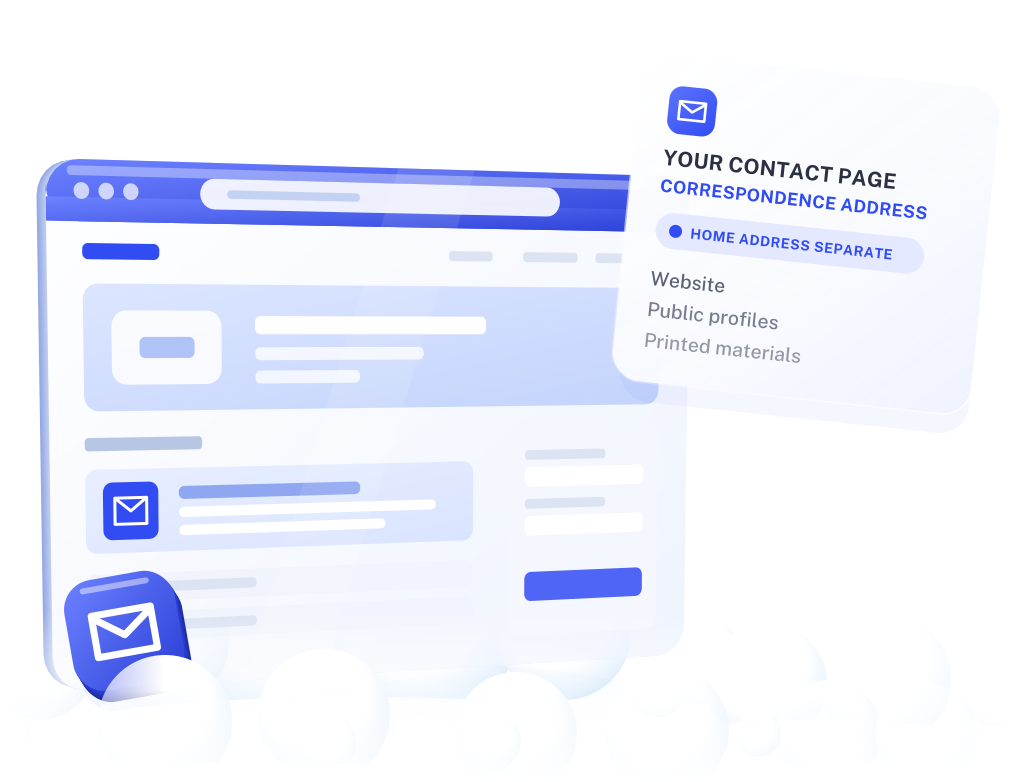
Start with the places you control: your contact page, printed materials and other eligible public-facing details. A dedicated mailbox gives future correspondence a destination you choose.
You can make this choice before publishing a new page or printing your next set of materials. Keep residential details accurate wherever they are specifically required.
Use a dedicated mailing address on your contact page and other eligible public details. Choose where invited letters go while keeping your home address separate.
Check envelope images online and request a content scan when you want to read a letter. You can review correspondence without collecting the paper first.
Choose the physical items you want forwarded to a suitable destination. Keep public mailing details consistent while making a separate delivery decision for each original.
Review your plan’s scan, handling, postage and storage terms. Forwarding depends on the item, destination and available delivery service. Check handling arrangements for sensitive or valuable documents.
A separate mailbox reduces the need to publish your home address in places where a correspondence address is allowed. You choose a designated location for the mail you invite, with an online way to review what arrives.
It does not remove information already online, conceal your identity from required verification or guarantee protection from unwanted contact. VMH needs accurate customer information to provide the service.
USPS mailbox authorization rulesReview your website, public profiles and materials you plan to print. Identify where you want to offer a postal contact address.
Use VMH where a correspondence address is accepted. Keep residential or other specifically required details accurate on official records and account forms.
Complete identity and mail authorization before sharing your exact assigned mailbox details. Update the eligible fields and tell relevant senders directly.
Note which pages and materials you updated. Contact other websites separately about existing listings you want changed or removed.

For example, you are publishing a personal website. After activation, you add your VMH address to its correspondence section. When a letter arrives, you review the envelope and request a scan to read it.
Your next website update or print run is a practical moment to choose a dedicated mailing address. VMH receives the correspondence sent there; changes to existing third-party listings remain a separate task.
Compare incoming-mail and scan allowances, approved recipients, storage terms, requested handling and forwarding postage.
Compare personal mailbox plansReview the public-address checklistNo. VMH receives mail. Removing existing listings or records requires separate steps with the websites or organizations holding that information.
No. Complete the identity and mail-authorization steps required for your account. Keep the information you provide accurate.
Do not assume so. Some records require a residential, operating or registered-office address. Check the rule for the specific field you are changing. VMH provides mail services; residency, tax-status and domicile services are outside this offering.
Giving a sender your VMH address directs that correspondence to the mailbox. It does not change other personal information the sender already holds.
Select the original you need and arrange forwarding to a suitable receiving address. Check item eligibility, handling, postage and storage terms before requesting shipment.
FTC guidance allows a private mailbox registered with a commercial mail receiving agency established under USPS regulations for the postal-address requirement. The other commercial-email requirements still apply. FTC CAN-SPAM guidance.
Last reviewed
Both give you a mailing destination that is not your home. The difference is how you handle what arrives. A PO box is rented from USPS at a post office, and you usually collect the mail in person. A virtual mailbox is a private mailbox at a commercial mail receiving agency: VMH receives the mail, and you review envelope images and decide online what to scan or forward.
Neither is a stronger privacy tool on its own. Some forms that ask for a street address will not take a PO box, and some will not take a private mailbox either, so check the field before you change it. For a website, a profile or printed materials, choose the one that fits how much mail you expect and where you are when it arrives. Compare mailbox plans.
Yes, and it should. Mail to a private mailbox carries a PMB or # designation after the street address, as USPS rules require, and USPS address data identifies commercial mail receiving agencies. Address-verification services used by banks and platforms can see that it is a mailbox, not a home or an office.
That is what makes it an honest correspondence address. It tells senders where to send letters without claiming to be where you live or work. Where a form asks specifically for a residential or physical business address, a mailbox is not the answer, and describing it as a suite does not change that. What a CMRA address is.
Your real identity and your current address. Before a commercial mail receiving agency can receive mail for you, USPS requires a signed Form 1583 and two forms of identification: one with your photo and one that shows your address. The address on the form has to match that document.
VMH keeps this information to provide the service and records it in the registry USPS requires commercial mail receiving agencies to maintain. A separate mailbox changes the address you give senders; it does not make you anonymous to VMH or to USPS. How Form 1583 works.
Give invited correspondence its own destination, with an online mailbox to manage what arrives.
Explore my mailbox options