






Read personal mail on your own schedule.
See incoming envelopes online and request a scan of the letters you want to read. Review the contents when the scan is ready and you have time for personal admin.
Give your personal correspondence a dedicated US mailing address. Virtual Mail Hub receives your letters so you can review arrivals online, request scans and have selected originals sent to you, wherever your workday happens.
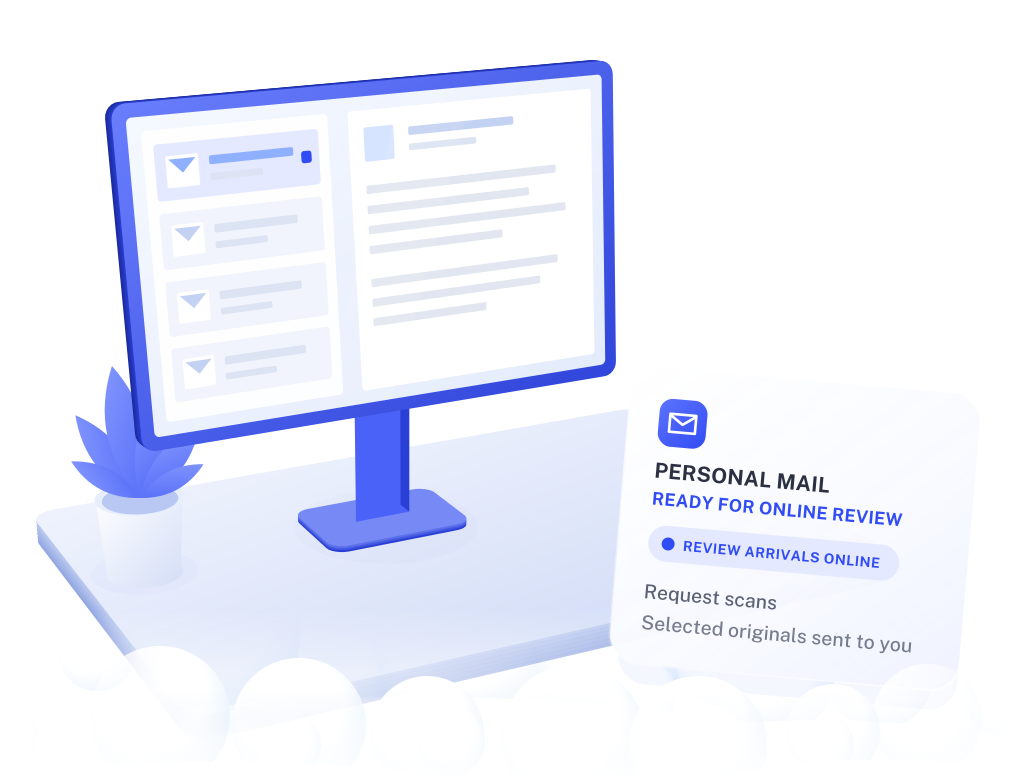
Working remotely can mean staying in the same home every day. If you want to manage personal letters online, VMH gives you a mailbox you can check alongside the rest of your personal admin.
Start with the correspondence you actually receive. A personal mailbox is for your own mail; company correspondence and employer records have their own requirements.
See incoming envelopes online and request a scan of the letters you want to read. Review the contents when the scan is ready and you have time for personal admin.
Give your own letters a dedicated US destination. Your personal mailbox is separate from your employer’s office-mail arrangements, whether you work at home or elsewhere.
If a letter needs more than an online review, request forwarding of the original to an eligible address. Choose the items you need and check delivery timing and postage.

Scans are available after your request is processed. Forwarding and storage follow your plan’s terms; allow for handling and carrier delivery time when you need an original.

Choose the mailbox around your letters and receiving needs. You can keep the same routine while working from home, from a coworking space or during time away.
Compare incoming-mail and scan allowances, receiving names, storage and forwarding costs against the correspondence you expect.
Complete the required identity and mail-authorization steps. Use your assigned mailing details for the recipients included in your account.
Make your online mailbox part of your personal-admin routine. You choose which letters to read and which originals to have sent to you.

No. A personal mailbox can be useful for an employee who wants to manage correspondence online. Choose the account setup that matches the recipients and mail you expect.
Use the address type your employer requests. A mailing service does not establish your actual work location, residence or payroll eligibility.
Get your employer's approval and check VMH's receiving and forwarding requirements first. Do not assume that every equipment shipment is accepted or suitable for international forwarding.
It can be, if you want a dedicated mailing address and online access to physical correspondence. Travel is optional. Compare the mail you receive and the actions you expect to request with the plan’s allowances and costs.
That needs a business setup with the appropriate recipients and access arrangements. Discuss your team's requirements with us. Contact VMH.
Last reviewed
The outside of each item is imaged when it arrives, so it can appear in your account. The contents are scanned when you request an open-and-scan, and you choose the letters that applies to.
For a letter you would rather not have opened, request the original instead. Forwarding and postage follow your plan’s terms. See how the mailbox works.
Yes, when each adult is added as an authorized recipient. USPS rules require a separate Form 1583 authorization, with two forms of identification, for every adult who receives mail at a commercial mailbox.
Plans differ in how many recipient names they include, so count everyone before you choose. Ask senders to address each letter to a name on the account, because mail for a name without an authorization may not be accepted. How Form 1583 works.
Update your senders first, then decide what should happen to the items still in the mailbox. Under USPS rules, the mailbox operator keeps sending on mail that arrives for you for six months after the mailbox closes, unless you waive that in writing.
Mail sent on in that period needs new postage, so check the charges that apply and use the time to move the remaining senders across. After six months, mail that still arrives for you is returned to USPS as undeliverable. Compare mailbox plans.
Give physical correspondence a place you can manage without being there to collect it.
Compare mailbox plans