
Share a business mailing destination.
Give eligible clients and suppliers the receiving details for your authorized business name.

Choose a separate mailing address for your business correspondence. Virtual Mail Hub helps you review arriving letters online and arrange delivery of selected originals while your workspace stays at home.
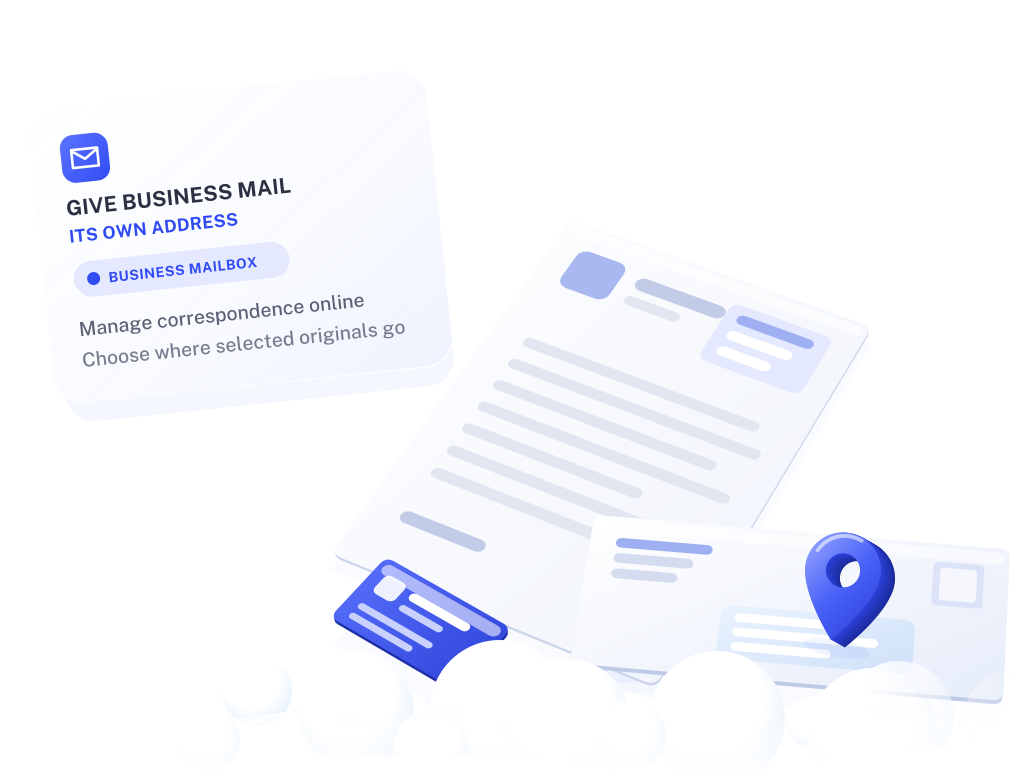
Your business website and customer materials can have a dedicated mailing contact where that use is permitted. Once your mailbox is active, use the assigned details in the correspondence fields you control.
This gives future business mail a separate destination. Existing public records and forms that require your actual home or operating address need to be handled separately.
Give eligible clients and suppliers the receiving details for your authorized business name.
Check envelope images and request scans when you want to read the contents. Choose which documents need a response or a paper copy.
Request forwarding to your home or another confirmed recipient. Check handling, postage and storage terms before arranging delivery.

Label the address according to its purpose. Keep any required physical-location, licensing and official-record details accurate, and use the exact assigned mailbox format.
After activation, review:
For example, you move to a new home and continue using the same active VMH mailbox. Participating clients and suppliers can keep sending correspondence there while you review arrivals online.

Before requesting delivery of originals, update and confirm the destination. Review any official or account records that separately need your new residential or operating details.
Start with expected letters, scans and authorized receiving names. Add any forwarding and storage needs to the comparison so the service fits your regular correspondence.
Compare business mailbox plansYou can use it as a mailing contact where permitted once the account and receiving name are active. Describe its purpose accurately; a mailbox is not a customer visit or meeting location.
No. A separate mailbox lets you change future correspondence details in places you control. It does not remove past filings, directory entries or other existing records.
A mailing address where your business does not operate is not eligible as a Google Business Profile location. Eligible businesses that travel to customers can use Google's service-area setup and hide their home address. Google business guidelines.
Check the address field and applicable requirements. A form may ask for a mailing address, physical premises, residence or registered agent. Use information that fits the particular request.
Ask about the plan's recipient allowances and authorization for each receiving name. Confirm the setup before sending household or additional business correspondence to the account.
Last reviewed
You can, but anything you publish as a business contact, such as a website, invoices or printed materials, can be seen and kept by the people who receive it. A separate mailing address lets you share a correspondence address for your business in the places you control, while your home stays your workspace.
Some forms still need your residential or operating address, and a new mailbox does not change records that already hold your home address. Decide field by field: a mailing address where the form asks for one, your actual address where it asks where you live or work. What a mailbox address is.
You add the business to your USPS Form 1583. The applicant is always a person, such as the owner, who provides two current IDs. On a business application you also give the business name, its address and where it is registered, and you sign with your title.
Mail addressed to a business name that is not on your authorization cannot be received for you. If you trade under more than one name, or want household mail at the same mailbox, ask about the plan’s recipient allowances first. How Form 1583 works.
No. A mailing address tells senders where to send letters. Your business still operates where the work happens, and local requirements such as home occupation permits, zoning or business licenses follow that place, not the mailbox.
When a form asks for a physical location or principal place of business, check what it means before you use the mailbox address. If you are unsure, ask the agency that issued the form or a professional adviser. Compare business mailbox plans.
Start with a dedicated correspondence address and choose how you want to review and receive your letters.
Explore business mailbox plans