






Check the arrivals.
Review envelope images when you check your online mailbox. Identify the letters you want opened and scanned.

Give clients and suppliers one place to send business correspondence. With Virtual Mail Hub, you can review arrivals online, request scans and forward selected originals as part of your regular work routine.
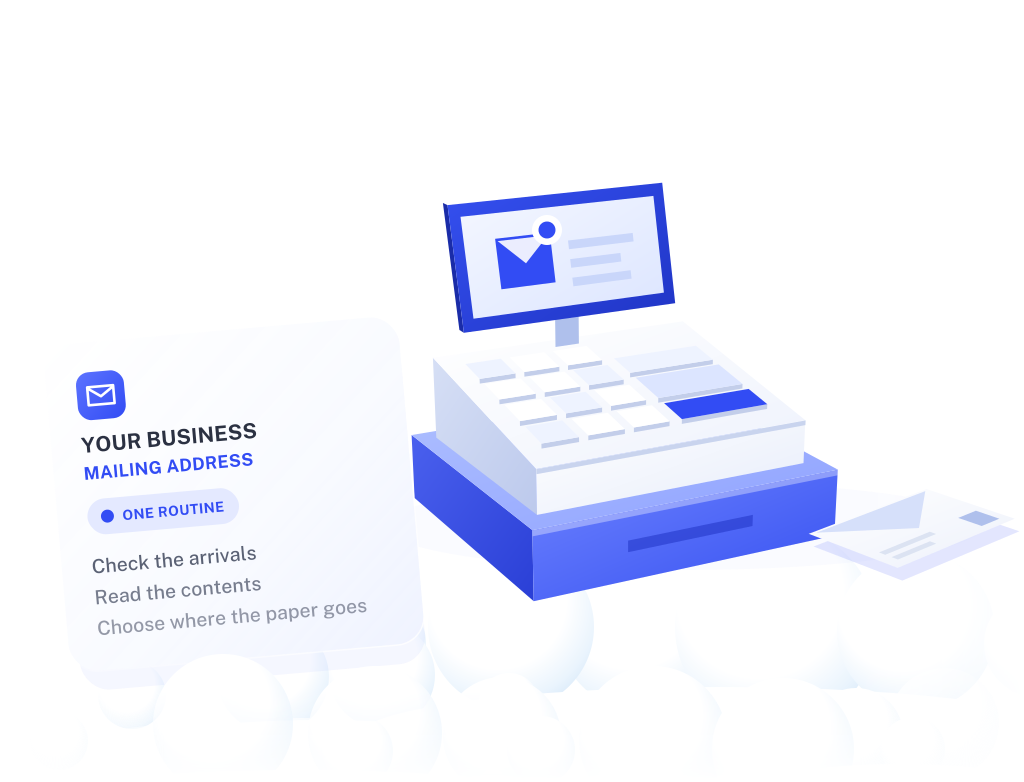
Whether your working day takes place in a shop, at client locations or from home, your business can have a dedicated mailing destination. Share the assigned details with eligible senders once your mailbox and receiving names are active.
A consistent mail check helps you decide what to read, what to act on and which paper documents need to come to you.
Review envelope images when you check your online mailbox. Identify the letters you want opened and scanned.
Request scans of the correspondence that needs your attention. Review the completed scans and handle responses through your usual business process.

Arrange forwarding when you or another confirmed recipient needs an original. Review handling, postage and storage terms as part of that decision.


If someone else will help manage correspondence, check the account access available on your selected plan.
List the company and trading names that will receive mail, then confirm recipient allowances and authorization.
Estimate incoming letters and how many you are likely to need scanned.
Complete activation before updating eligible client and supplier records.
Set a regular time to review arrivals and record any follow-up.
Keep the receiving details for your own originals and any adviser deliveries current.

For example, a supplier sends a paper account update. You review the envelope, request a scan and discuss the contents with your bookkeeper through your usual channel. If an original is needed, confirm where it should go and request forwarding.
You choose the next step for each letter while keeping correspondence connected to the way your business already works.
Compare incoming-mail and scan allowances, authorized recipients, storage and any requested handling. Include forwarding postage when estimating your likely usage.
If your needs also include meeting space, registered-agent service or an address for an official application, ask about that specific requirement before selecting a service.
Ask about my business mail setupUse your active mailbox for permitted correspondence under the exact assigned receiving details. Where a form asks for your physical business premises or another specific address type, follow that requirement separately.
Confirm the name, required authorization and recipient allowance before asking senders to use it. A company name, trading name and an owner's personal name should not be assumed to share the same authorization.
Ask about current user allowances and access options for the plan. Agree internally who checks mail and follows up on sensitive or time-sensitive correspondence.
Confirm the contents, size, frequency and storage needs before arranging deliveries. Package acceptance and handling depend on the service and location; inventory management and fulfillment require separate arrangements.
VMH makes arriving mail available for review and requested handling. Your business and advisers remain responsible for interpreting correspondence, replying and tracking deadlines.
Last reviewed
No. Google Business Profile requires a location that is genuinely staffed, and a mailbox or virtual office address does not qualify. Google verifies profiles, increasingly by video, and suspends those that break its rules.
Keep the mailbox for what it does well: a consistent address for letters from customers, suppliers and agencies. If you want a local listing, check Google’s current guidelines for your type of business before you create one.
Yes, as a mailing address. Customers and suppliers can send correspondence to it, provided the business name they use is authorized on your mailbox and they include your mailbox number.
Present it as the address for post rather than a shop or office people can visit. Some forms and directories ask specifically for your physical premises; complete those with the address that is true for your business. What a CMRA address is.
Yes. The USPS Form 1583 you complete when opening the mailbox authorizes the mailbox operator to receive mail for you, including mail that needs a signature, such as certified mail. The item then appears in your account like the rest of your mail.
Certified letters are often time-sensitive, so check your account regularly and decide promptly whether you need a scan or the original. A mailbox does not replace a registered agent, which is the address for formal legal service on a company.
Start with the receiving names and mail volume you expect. Choose a plan that fits the way you want to review and handle correspondence.
Explore business mailbox plans