




Scan
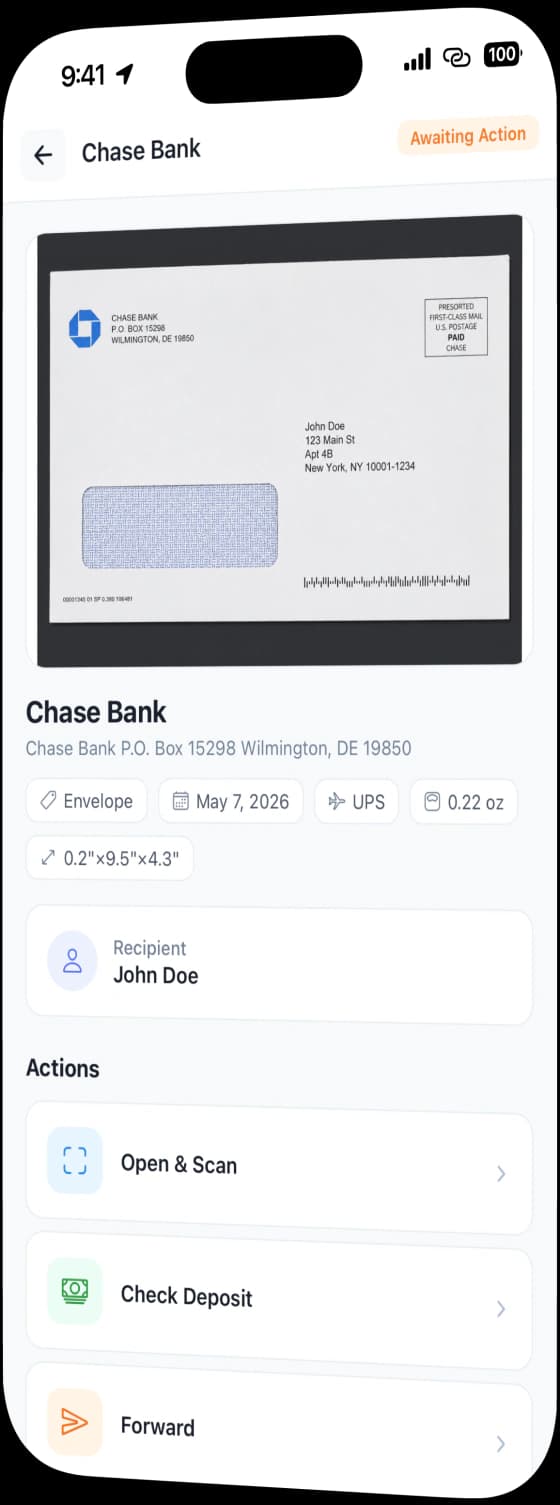
Ask us to open the envelope and scan the contents. The pages land in your inbox as a document you can read

Scanned and Uploaded2 Pages · PDF
A digital mail service receives your postal mail at a real US address, photographs each item, and puts it in an online inbox. From there you scan, forward, shred, store or deposit it. Virtual Mail Hub runs the mail centers and the software.
Your Inbox
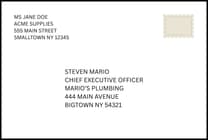
Letter from a bank
Aug 12, 2026
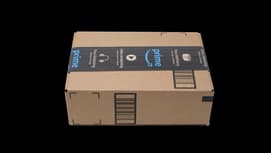
Package from Amazon
Aug 10, 2026
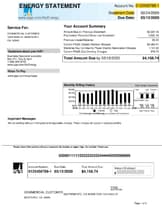
Utility bill
Aug 08, 2026
Every item that reaches your address is logged, photographed and shown to you before you decide anything. Nothing is opened without your request.
Ask us to open the envelope and scan the contents. The pages land in your inbox as a document you can read
Send an item anywhere in the world. You pick the carrier and the service from live rates before you pay.
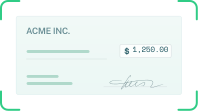
Send a check to your own bank account without flying to the US to do it.
Select several items and have them packed into one shipment, so you pay one postage bill instead of five.
Securely destroy an item once it's scanned. The digital copy stays in the inbox.
Leave an item with us, or collect it in person at the location that holds it.
Bin the junk without paying to ship it.
Every action leaves a status you can follow: requested, in progress, done.
A mailbox that only one person can open stops working the moment you hire a bookkeeper.
Members join the workspace by email invitation and appear as pending until they accept.
Start from the seeded roles or write your own, scoped to the whole workspace, a single mailbox, or a team.
Group people by function, give the team a role, and assign mail to the team rather than to a person who might be busy.
An invoice can go to finance and a legal notice to the founder, from the item itself.
Every membership, role and permission change is recorded with who did it and when.
Most mail is routine. Three automations handle the routine so the inbox only interrupts you for the items that matter.
New mail is opened and scanned on arrival. Set a monthly cap and choose whether we stop or keep going.
Choose a default delivery address, carrier, packaging and speed. Anything that arrives goes out on those settings.
Point checks at a saved bank account, with a monthly limit of your choosing.
Each rule has its own on/off switch and its own settings, and neither can be turned on before you have configured it.
We do not mark up a single shipping option and hide the rest. When you forward an item, the platform quotes live rates and you choose.


USPS, UPS, FedEx and DHL, each quoted with the service name, the delivery estimate in days and the price.
Flat rate envelopes, padded envelopes and boxes are offered where the carrier supports them for effective travel.
Customs contents are declared item by item as part of the request, not chased by email afterwards.
Inbound carriers accepted at the mailbox and outbound carriers shown for rate shopping are two different lists. The platform keeps that distinction clear.
US law requires a Commercial Mail Receiving Agency to hold a signed PS Form 1583 and two forms of ID for every person who receives mail at the address. The platform collects all of it online.
Anyone who should receive mail at your address gets their own invitation, their own form and their own record.
Purpose, company information, photo ID, address ID. Each step saves on its own, so a half-finished form is never lost.
A foreign passport is accepted as the photo ID, which is what makes the address workable for founders outside the US.
Since 2024, our staff may witness your signature over live video at no charge. Online notarization stays available if you prefer it. USPS does not require a notary.
Draft, submitted, in review, needs revision, completed. You always know which recipient is holding up the account.
Rules cited: USPS Domestic Mail Manual 508.1.8 and PS Form 1583. Every form and ID is entered into the USPS Customer Registration Database and certified quarterly, which is the operator’s obligation, not yours.
Need the address itself to stand up to a bank or a platform review? That is the lease and utility bill product. Proof of address
Two integration surfaces, pointing in opposite directions. Both are self-serve from your settings, with no sales call.
Your system calls ours. Each key carries a name, an explicit set of read and write scopes, an optional expiry, and a reach: one mailbox or the whole workspace. The full key is shown once, at creation. Revoke it whenever you want, and see when it was last used.
We call your system, one way, signed with the endpoint's secret so you can prove the call came from us. Subscribe to mail received, action requested, mail assigned, subscription started and payment failed. Send a test delivery before you rely on it.
Get notified in real time, so you can automate what’s next.
We only publish events that something actually emits. A catalog of thirty events that never fire is worse than five that do.
Mail is where tax notices, bank letters and legal service arrive. It is treated accordingly.
See every device signed into your account with its browser, operating system and approximate location.
Roles decide who can see a scan and who can only see that an item arrived. Every permission change is written to the activity log.
HIPAA and SOC 2 handling is standard, not an enterprise upsell.
 SOC 2TYPE II Compliant
 HIPAAData Handling Standards
Businesses outgrow one address. A Delaware LLC with a New York storefront needs both, and they should sit in the same login.
Anyone who should receive mail at your address gets their own invitation, their own form and their own record.
Without signing out, with permissions applied per mailbox.
SoHo and NoMad in New York, plus San Francisco, Wilmington, Cheyenne, Tampa, Washington DC and Austin.
Permissions are evaluated per mailbox, not per account.
Most of this market prices by the action and hides the total. That is a software problem before it is a pricing problem, so we solved it in the data model.
Each plan carries its own typed settings for incoming mail, scanning, shredding, forwarding, storage, check deposit, consolidation, notary, extra users and extra recipients. Changing what a plan includes is a configuration change, so what you were sold is what the system enforces.
Included quantities, overage prices and free storage days are recorded per plan and metered against your actual usage. Your account shows what you have used against what you are entitled to, in the current billing period, before the invoice arrives.
One deposit is into overage. The rate for it is published on your plan, and it is on this screen before the invoice is cut.
Awaiting action, pending scan, scanned, pending forward, forwarded, pending shred, shredded, holding for pickup, picked up, consolidated, deposited. Nothing sits in an undefined limbo, and the status you see is the status the mail center sees.
We own and staff the mail centers rather than reselling a franchise network, so the software and the operation are built by the same team against the same states.
Included volumes are stated per plan. Overage prices are published, not discovered on the invoice.
Address, mail, and compliance can feel complicated from the outside. VMH keeps the process visible and manageable.
A virtual business address gives you a real street address to receive your business mail and packages, without the cost and commitment of a physical office. When mail arrives for you, we scan the envelope and notify you. You can then manage your mail online or in our app: have it opened and scanned, forwarded to any address, or securely shredded. It's a great solution for remote companies, entrepreneurs, and travelers who need a professional U.S. presence without the high cost of rent.
The moment new mail is scanned and uploaded to your virtual mailbox, we send you an automatic email notification. You can then view, open and scan, forward, or securely shred each item right from your dashboard or our mobile app.
U.S. banks are required by federal law (like the USA PATRIOT Act) to verify a customer's physical address to prevent fraud. This is part of their 'Know Your Customer' (KYC) compliance. Most standard virtual mailboxes are registered as Commercial Mail Receiving Agencies (CMRAs). Banks' security systems can easily detect these addresses—which are seen as mail centers, not residences or offices—and will automatically reject your application. Our service gives you a unique address at a real office building, not a CMRA. This provides a legitimate physical location that is structured to meet the strict verification requirements of U.S. financial institutions.
To verify your business address for Know Your Customer (KYC) rules, banks typically require one of the following documents in your company's name:
Major U.S. banks like Bank of America, Chase, and Wells Fargo list these as the most reliable proof of a physical business address.
Yes. Our service is specifically designed to meet bank address requirements. When you sign up for our plan, you'll receive:
These documents are essential for proving you have a physical business location, which is a feature most standard virtual mailbox services can't offer.
Yes. After subscribing, you'll need to complete USPS Form 1583 to authorize us to receive mail on your behalf — this is required to establish a private mailbox in the United States. Most customers complete their form the same day they sign up, directly from their dashboard.
Yes. Mail forwarding is available on all of our plans. On some plans it's included at no extra handling fee, while on others a per-request shipping & handling fee plus postage applies. We support both national and international forwarding (international forwarding is available on select plans).
Additional mail fees depend on your service plan and location. Each plan includes a different number of items per month, and any overage pricing varies by plan. Visit our pricing page to compare plans for each location.
Yes. We provide comprehensive change of address guidance to ensure a smooth transition to your new virtual mailbox. Our team assists you in updating your address with all necessary institutions and contacts, while your paper mail is managed securely online so you never miss an important document.
Yes, we offer a 15-day money-back guarantee so you can get started with confidence. If for any reason you're unable to complete the required identity verification and USPS Form 1583 notarization within the first 15 days of your purchase, we will issue a full refund. No questions asked.
We accept all major credit and debit cards, including:
We also offer express checkout with Apple Pay and Google Pay.
Please note that we do not currently accept payment by check, money order, or wire transfer.
Great! Start by choosing the location where you'd like to receive your mail, then pick the plan that fits your needs. You can review all plans and locations on our pricing page.
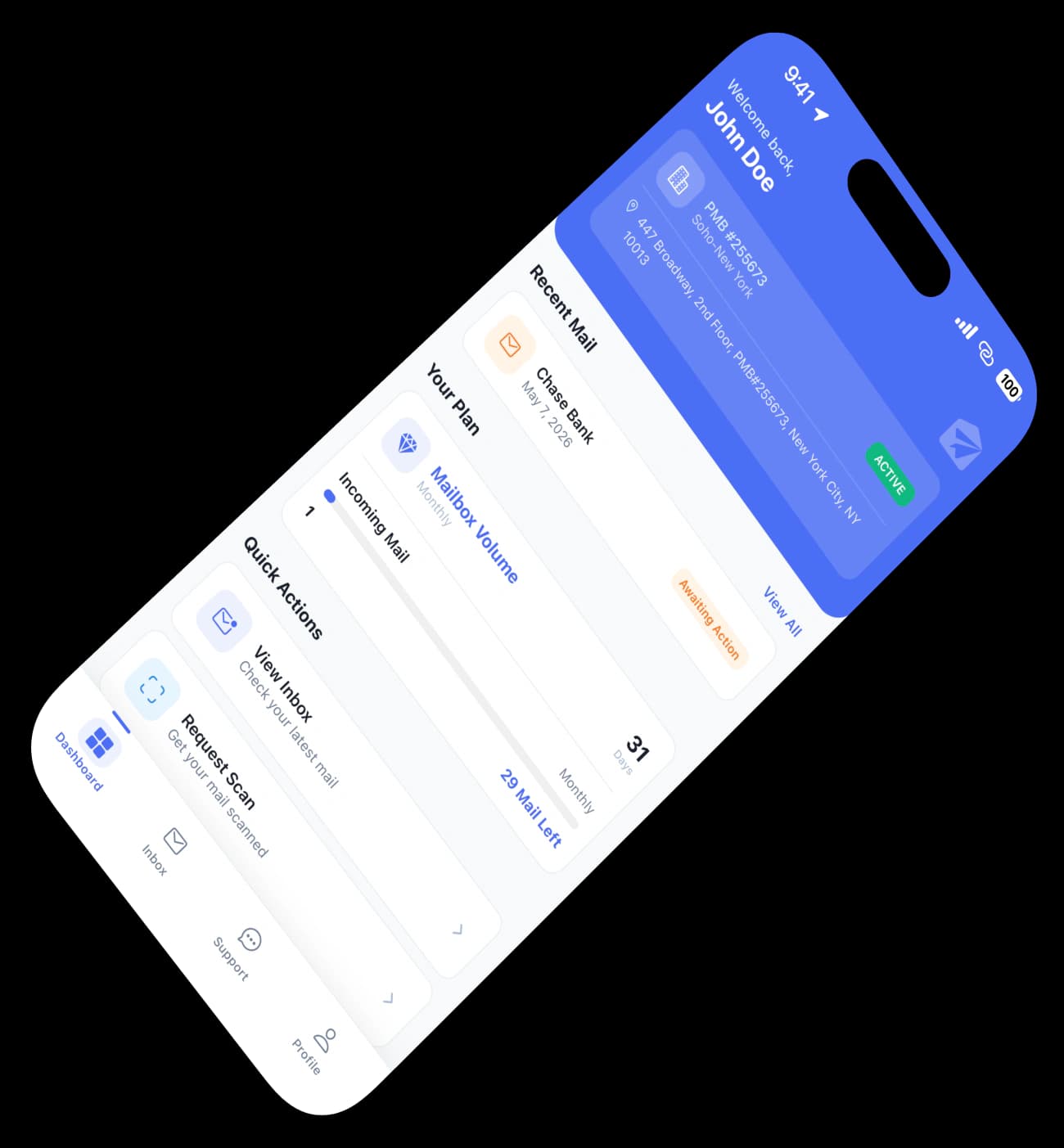
The VMH app makes it easy to view, manage, and take action on your mail from anywhere. Stay updated the moment something arrives. We handle the rest.