You can summarize the following content using these AI tools:

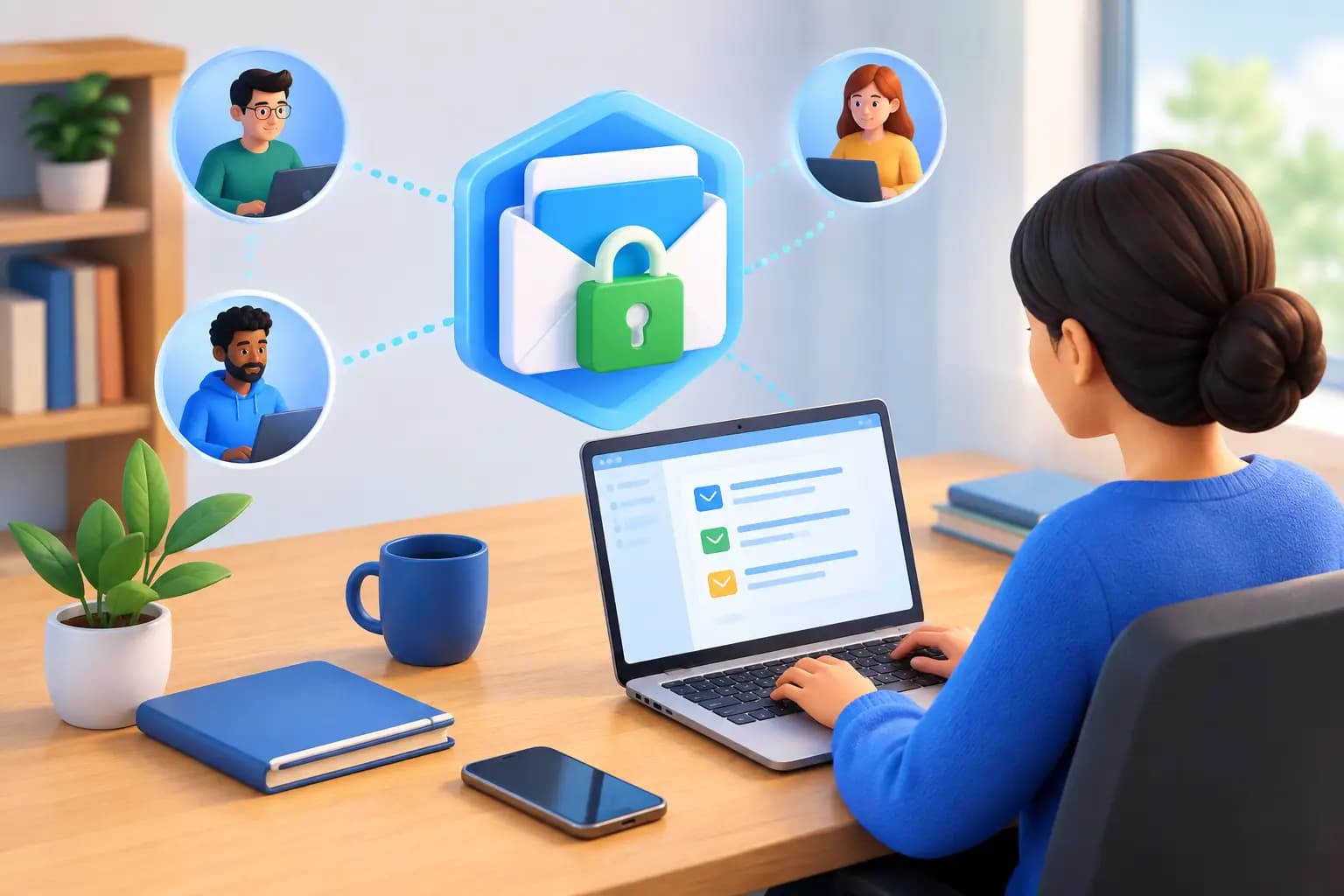
A missed bank letter, state filing notice, or customer check can create a real business problem long before you are back at your desk. This secure mail handling guide is built for founders who need physical mail to remain visible, protected, and actionable while their business operates from anywhere.
For remote businesses, mail is not just paper. It can contain account credentials, tax notices, legal correspondence, identity documents, payments, and time-sensitive compliance requests. The goal is not simply to receive it at a different address. The goal is to create a controlled workflow from delivery to final action.
Secure Mail Handling Guide: Start With the Right Address
A secure workflow begins before the first envelope arrives. Your mailing address affects privacy, credibility, and whether you can use it for business formation, bank verification, or government correspondence.
A P.O. box may work for basic personal mail, but it does not always meet the requirements of banks, payment processors, state agencies, or business partners that expect a physical commercial street address. Using a home address, on the other hand, can expose your personal location on public filings and customer-facing materials.
For many remote founders, a commercial business address offers the practical middle ground. It gives the company a more professional U.S. business identity while separating business mail from personal life. If address verification matters, confirm that your provider can supply formal supporting documentation, such as a signed commercial lease and utility bill, when appropriate for your use case.
The address also needs to be handled under applicable USPS requirements. When a third party receives mail on your behalf, authorization and identity verification are not optional details. They establish who is permitted to receive, open, scan, forward, or destroy your mail.
Treat Mail as a Workflow, Not an Inbox
The safest mail process is one where every item has a clear status. It should be received, logged, reviewed, assigned an instruction, and completed with an auditable record. This prevents sensitive documents from sitting in an unmanaged pile or getting forwarded repeatedly between team members.
A virtual mailbox turns that physical process into mail management on autopilot. After arrival, you receive a notification and can review the outside of the envelope in a secure dashboard. From there, you decide what happens next rather than relying on someone to guess.
For routine items, the instruction may be simple: shred junk mail, archive an insurance statement, or forward a package. For high-priority documents, you may request an internal scan, download the file, assign it to the right person, and keep the original stored or forwarded. The key is preserving your ability to decide remotely.
Not every piece of mail should be opened. Some businesses prefer envelopes from attorneys, government agencies, or financial institutions to remain sealed until a designated officer reviews them. Others need fast scans of recurring invoices and account notices. Your rules should reflect the sensitivity of the mail, the people authorized to see it, and the consequences of delay.
Set handling rules before an urgent item arrives
Define categories that fit your operation. Government and tax correspondence, banking mail, legal notices, checks, customer returns, and vendor invoices usually deserve distinct instructions. You do not need a complicated policy, but you do need predictable decisions.
For example, a startup founder might request immediate notification and scanning for state, IRS, bank, and legal mail; monthly forwarding for originals that must be retained; and secure destruction for unsolicited offers. An e-commerce operator may add package consolidation and forwarding rules for supplier samples or returns.
The trade-off is speed versus exposure. Opening and scanning mail gives you faster access, but it also means trusting a provider's authorized handling process. Keeping every envelope sealed reduces handling, but can slow down decisions when a deadline is inside. Choose the workflow that fits the risk, then review it as your business grows.
Protect Access to Mail and Documents
Once paper is digitized, the security question shifts from the mailroom to your account access. A secure dashboard should be treated like any other system containing financial and identity-sensitive records.
Use a unique, strong password and enable multi-factor authentication when available. Do not share a single login among co-founders, assistants, bookkeepers, and operations staff. Shared credentials make it difficult to know who viewed a document or changed a mail instruction.
Instead, give each person the access they need. A bookkeeper may need invoices and tax records but not legal notices. A fulfillment manager may need package instructions but not bank mail. Founders should retain control of account ownership, billing, address documentation, and permissions.
Also consider where documents go after they are scanned. Downloading a government notice to an unprotected personal laptop or forwarding it through an open group email can undo the care taken during receipt. Store files in approved business systems, limit access to the relevant team, and remove local copies when they are no longer needed.
Keep a record of critical mail
For compliance-sensitive items, record the date received, the sender, the requested action, the person responsible, and the completion date. This can be as simple as a task in your operations system, but it creates accountability when a filing, payment, or response is due.
Physical originals may still matter. Banks, government agencies, courts, and some counterparties can require original checks or signed documents. Before authorizing destruction, confirm whether a digital copy is sufficient and whether your retention policy requires the original.
Handle Checks, Packages, and Forwarding With Care
Mail security is not limited to letters. Checks, packages, and forwarded originals have different risks and should not be handled with a one-size-fits-all instruction.
If your business receives checks, establish who can request a check deposit and how that approval is documented. Separate the person who reviews incoming payments from the person who reconciles the bank account whenever possible. This reduces the chance that a payment is overlooked or mishandled.
For packages, confirm the delivery address, package dimensions, storage limits, forwarding destination, and insurance options before something valuable arrives. Consolidating several packages into one shipment can lower international shipping costs and reduce the number of handoffs. However, it may not be the best choice for fragile goods, urgent inventory, or packages with different destinations.
Forwarding also deserves clear guardrails. Save only verified shipping addresses, review instructions before sending high-value materials, and use tracking for important originals. International founders should account for customs declarations, import restrictions, delivery timelines, and local duties. A package can be forwarded globally, but the receiving country still controls what can enter and how it is processed.
Virtual Mail Hub brings these decisions into one secure dashboard, allowing authorized users to view incoming mail, request scans, forward packages, shred sensitive items, and manage approved mail actions without maintaining a traditional office.
Build a Simple Escalation Plan
The most effective systems make urgent mail hard to miss. Decide in advance what qualifies as urgent: notices with response deadlines, account freezes, legal service, tax correspondence, suspected fraud alerts, or documents requesting identity verification.
Set an escalation path for those items. The assigned person should receive a notification, review the scan promptly, create a task with a deadline, and confirm when the action is complete. If that person is traveling or unavailable, designate a backup.
Review your mail workflow quarterly or after a meaningful business change, such as opening a new bank account, hiring a finance lead, registering in another state, or beginning international fulfillment. The mail you received six months ago may not represent the documents your company needs to protect now.
Frequently Asked Questions
Is a virtual mailbox secure enough for business mail?
It can be, provided the service uses authorized, documented mail handling and gives you controlled account access. Security also depends on your own practices: use strong login protection, limit team permissions, create rules for sensitive senders, and avoid sending scans through unsecured channels.
Can I use a commercial virtual address for bank or business verification?
It depends on the institution and the purpose of the address. Many businesses need a legitimate commercial street address rather than a P.O. box, and some also require proof-of-address documents. Confirm the specific bank, agency, or platform requirements before applying, especially if you need a lease or utility bill.
Should I shred mail after it is scanned?
Only after confirming that the original is not required. Digital scans are often enough for routine records, but original checks, signed agreements, legal notices, and government documents may need to be forwarded or retained. When destruction is appropriate, use a documented secure-shredding instruction rather than leaving sensitive paper unattended.
How quickly should I review incoming business mail?
Review notifications as they arrive and establish a same-day process for mail from banks, tax agencies, courts, attorneys, and government offices. A reliable address and clear handling rules give you the freedom to work anywhere without letting physical mail become the part of your business that falls behind.