You can summarize the following content using these AI tools:

A government notice lands at your business address while you are boarding a flight. A bank asks for address verification. A supplier sends a time-sensitive contract. Physical mail does not pause because your business is remote. The right mail handling platforms turn those moments from operational risks into a controlled workflow - visible in a secure dashboard, actionable from anywhere, and supported by a legitimate U.S. business presence.
For founders, digital nomads, e-commerce operators, and internationally based teams, this is bigger than having someone receive envelopes. Your address affects how customers perceive you, how financial institutions verify you, and how quickly you can respond to compliance-sensitive mail. The platform you choose should make remote work easier without asking you to compromise on privacy, documentation, or control.
What a Mail Handling Platform Should Actually Solve
A basic mail forwarding service solves one narrow problem: it sends received mail to another address. That can be useful, but it leaves you waiting for visibility and paying to move every piece of paper, including junk mail and documents that should be handled immediately.
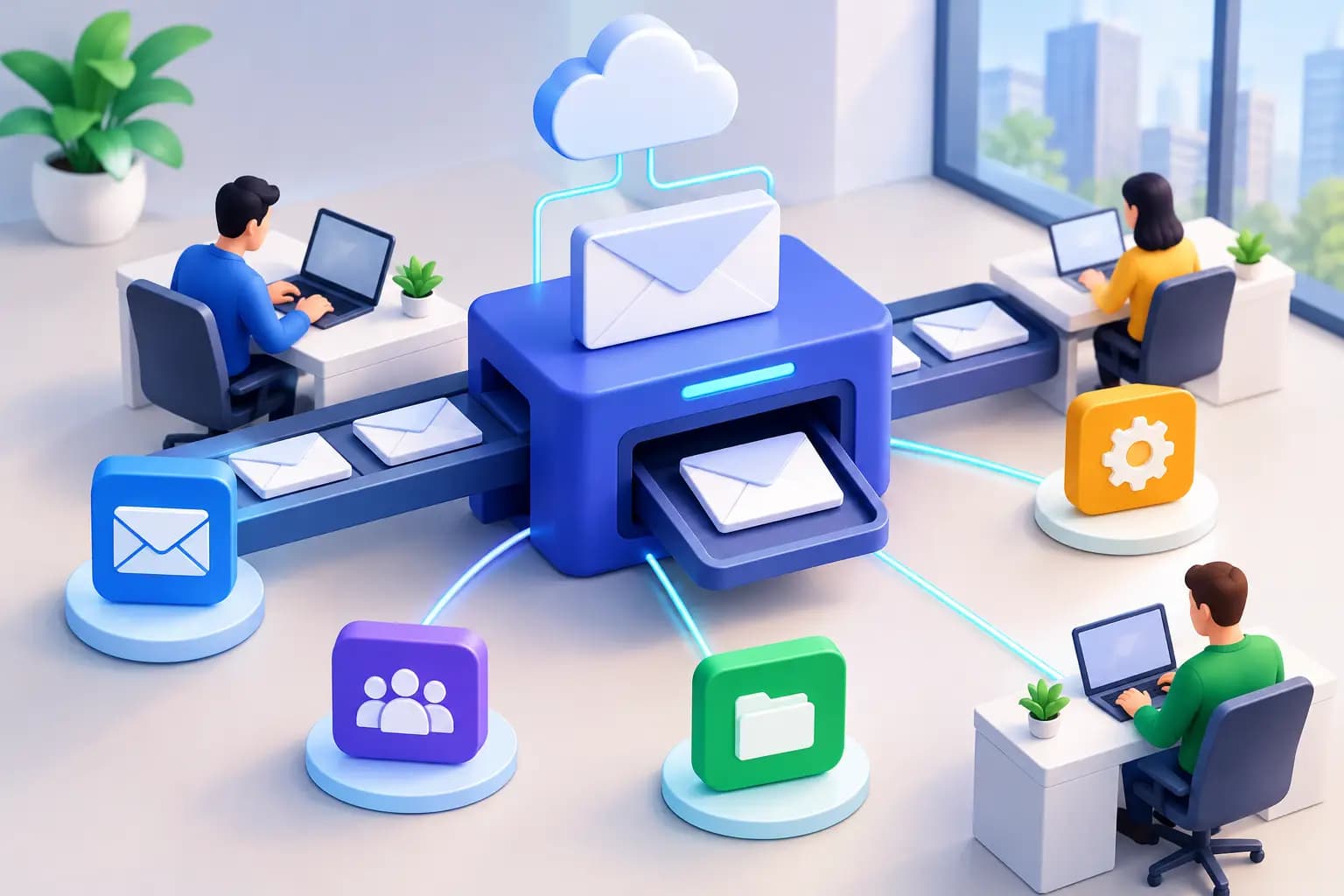
A capable platform gives you choices at the moment mail arrives. You receive an arrival notification, review an exterior scan, and decide whether to open and digitize the item, forward it, securely shred it, or hold it for later. Instead of a mail pile becoming a delayed task, it becomes a managed queue.
The distinction matters most when your business is growing. Founders need prompt access to tax notices, state correspondence, banking documents, and legal mail. Teams need a reliable way to share visibility without forwarding photos in chat apps or exposing sensitive information through personal inboxes. Online sellers may need package consolidation and international forwarding that reduce avoidable shipping costs.
The best setup combines three things: a real commercial street address, secure digital control of received mail, and operational services that fit how you work. If one is missing, the experience can become fragmented quickly.
Choose a Real Address, Not Just a Mailbox
Not every address is equally useful. A P.O. box may work for ordinary mail, but it often falls short when a bank, marketplace, government agency, or vendor requires a physical business address. Some virtual address products also provide an address without the supporting documentation needed for formal verification.
For a business, a commercial street address can strengthen your premium U.S. business identity while keeping your home address private. More importantly, ask whether the provider can supply signed commercial lease documentation and utility bills where appropriate. These documents can be central to business formation, banking, account verification, and ongoing compliance processes.
That does not mean every business needs the same location or paperwork. A freelancer who primarily wants privacy may prioritize a dependable address and mail scans. An overseas founder opening a U.S. company may need formal address evidence from the start. A multi-state operation may need to separate registered-agent requirements from its general business address needs. Be clear about the purpose of the address before selecting a plan.
Also confirm that the provider follows USPS requirements for commercial mail receiving agencies. Proper identity verification is a sign of a serious operation, not unnecessary friction. It helps protect your mail, the address, and the integrity of the service.
Evaluate the Digital Mail Workflow
A clean dashboard is where a virtual mailbox becomes mail management on autopilot. But the details behind that phrase determine whether the platform saves time or creates more administration.
Start with notifications. You should know when an item has arrived without checking manually. Next, consider the scan process. Exterior scans help you identify the sender and choose an action, while requested content scans provide access to the documents that require review. For sensitive material, the provider should use controlled handling procedures and secure document storage rather than treating scanned mail like a casual attachment.
Action speed matters as well. Can you request forwarding, shredding, or scanning from the same dashboard? Can you see the status of a request? When a document is urgent, ambiguity is costly. A platform should make the next action obvious and preserve a clear record of what happened.
For teams, ask about access controls. Your accountant may need a tax document, but not visibility into every letter your business receives. Shared access should be deliberate, permission-based, and easy to remove when roles change. This is especially valuable for distributed companies that need business continuity without sharing a founder's personal credentials.
Package Handling Is a Separate Test
Letters and packages create different operational needs. A provider that handles envelopes well may not be equipped for inventory samples, product returns, or irregular shipments.
If packages are part of your workflow, review the practical rules before signing up: receiving limits, storage windows, carrier support, forwarding destinations, dimensional pricing, and consolidation options. Consolidating several packages into one shipment can be valuable for international founders and e-commerce businesses, but it only helps if pricing is transparent and the process is simple to request.
Think about exceptions, too. What happens when a package arrives damaged, requires a signature, or contains an item that cannot be forwarded internationally? Clear policies matter more than broad marketing claims. The right provider will help you understand what can be handled before an important shipment is already in transit.
Security Is Part of the Service, Not an Add-On
Mail often carries the information attackers want: account numbers, government identifiers, tax records, checks, and password-reset notices. A physical address alone is not a security strategy. The full chain of custody matters - from receipt at the facility to scanning, storage, forwarding, and destruction.
Look for controlled access to mail, documented handling procedures, secure dashboard authentication, and a straightforward way to permanently destroy sensitive items. Ask how long digital documents remain available, who can access them, and how account permissions are managed. Convenience should not require you to lose oversight of your documents.
Check handling deserves special attention. Some platforms can process check deposits, which can remove a frustrating delay for remote operators. Confirm the exact process, eligibility requirements, fees, and timing. It is a useful feature when it fits your business, but you should understand the workflow before relying on it for cash flow.
Compare Plans by Decisions, Not by Monthly Price
An inexpensive plan can become expensive when it excludes the actions you use every week. Comparing mail handling platforms only by subscription price can hide scan fees, storage charges, forwarding markups, package handling costs, and address-document fees.
Instead, estimate your real monthly behavior. How many envelopes will you receive? How often will you need content scans? Do you expect packages, international forwarding, or check deposits? Will one person manage the account, or does a team need access? A plan that matches your actual workflow is usually more economical than the lowest advertised starting price.
It is also worth considering the cost of delay. Missing an account-verification letter, waiting weeks for a forwarded tax notice, or using a home address publicly can cost more than a modest monthly subscription. For many remote businesses, the value is not just mail storage. It is faster decisions, a more credible address, and fewer location-based constraints.
Virtual Mail Hub is built around that complete model: commercial U.S. addresses, formal proof-of-address documentation, secure online mail control, and options for forwarding, shredding, check deposits, and package consolidation. The goal is simple: every letter, opened anywhere you land.
Set Up Your Mail System Before It Becomes Urgent
The strongest time to choose a platform is before you need to respond to an urgent document. Select the address that fits your business identity, complete identity verification, and decide which mail should be sent there. Update your formation records, banking profiles, vendor accounts, and customer-facing contact details as appropriate.
Then establish a simple operating routine. Turn on notifications, define who can access the dashboard, and decide how different types of mail should be handled. For example, government correspondence may always require a content scan, while obvious promotional mail can be shredded. A package from a supplier may be forwarded immediately, while non-urgent parcels can wait for consolidation.
This small amount of structure keeps mail from becoming another invisible founder task. Your physical correspondence remains connected to your business workflow, even when you are working from another state or another country.
Frequently Asked Questions
What are mail handling platforms?
Mail handling platforms receive physical mail at a business address and give you digital control over what happens next. Depending on the service, you can view arrival scans, request document scans, forward mail or packages, shred unwanted items, and manage account access through an online dashboard.
Can a virtual mailbox be used as a business address?
It depends on the provider and the requirement. A real commercial street address can support a professional business presence, while a P.O. box may not meet certain banking, verification, or compliance standards. If you need proof of address, confirm that the provider offers the relevant commercial lease and utility-bill documentation.
How quickly can I see important mail?
Timing varies by provider, arrival volume, and the action requested. A well-designed service sends an arrival notification promptly, then lets you request a content scan for items that need review. Check the provider's stated processing times for scans, forwarding, and special requests before you enroll.
Is mail scanning secure for sensitive documents?
It can be, provided the platform uses controlled physical handling, secure account access, and clear document-security practices. Use strong account credentials, limit team permissions, and request secure destruction for documents you no longer need. A good mail system should give you both speed and control, so distance never turns an important letter into a blind spot.