You can summarize the following content using these AI tools:

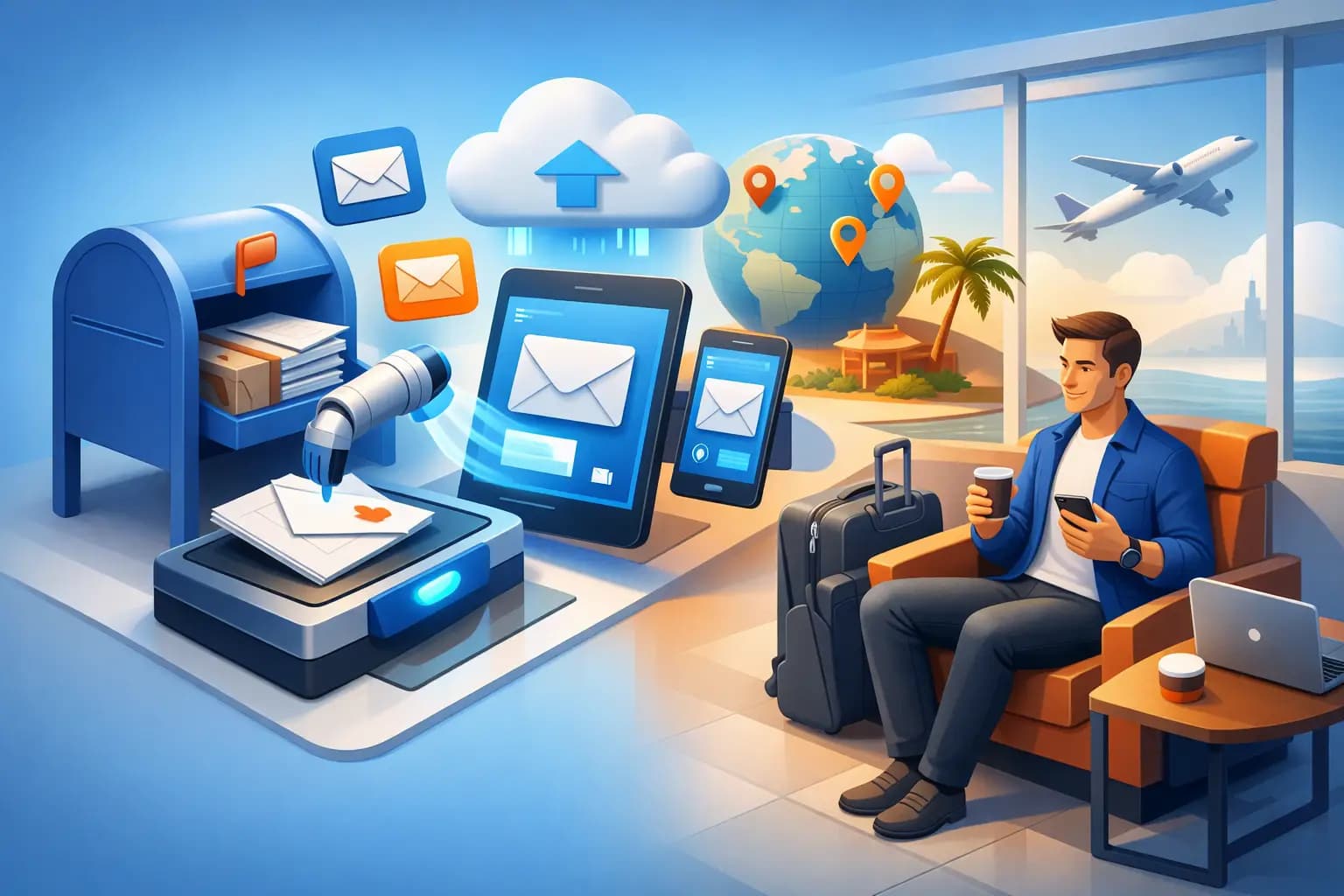
A missed government notice can cost more than a missed package. For remote founders, frequent travelers, and internationally based business owners, a mail scanning service turns a physical mailbox into a visible, controlled workflow. Instead of waiting to return to an office or asking someone to sort through a pile of envelopes, you can see what arrived, decide what matters, and give clear instructions from a secure dashboard.
That is the real value: not simply receiving mail, but keeping important documents moving when you are not physically present.
What a Mail Scanning Service Actually Does
A mail scanning service receives mail at a real business address, logs each arrival, and sends a notification to your account. You can then review an exterior scan of the envelope or package label and choose what happens next. Depending on the item and your instructions, the provider can open and scan the contents, forward it, shred it, store it, consolidate it with other packages, or help process an eligible check deposit.
For a business owner, this creates a practical chain of custody. A tax notice does not sit unnoticed in a lobby mailbox. A bank letter does not get forwarded to an old home address. A vendor contract can be scanned and routed to the right person without requiring anyone on your team to visit an office.
The distinction matters because forwarding alone is slow and passive. Scanning gives you visibility first, then control.
Why Founders Need More Than a P.O. Box
A P.O. box can receive mail, but it may not support the identity and documentation needs of a growing company. Banks, payment providers, state agencies, vendors, and compliance teams may require a commercial street address rather than a postal box. They may also ask for formal documents that show your business is legitimately connected to that address.
For founders forming a U.S. company from abroad, this can become a frustrating gap. You need a reliable place for official correspondence, but you also need an address that supports verification, banking, and day-to-day operations. A virtual business address with a signed commercial lease and utility-bill documentation can provide the proof-of-address layer that a basic mailbox often cannot.
Mail scanning then makes that address usable from anywhere. Your business can maintain a premium U.S. business identity while your team works from Austin, Lisbon, Singapore, or a different city every month.
How the Mail Scanning Workflow Works
The process should feel simple because the physical work happens before you ever log in. After setting up your address and completing required USPS authorization, mail begins arriving at the receiving location. Each item is recorded, and you receive an arrival notification.
From there, you review the item in your secure dashboard. An envelope from a government agency may need immediate content scanning. A catalog can be destroyed. A time-sensitive bank letter may need to be forwarded to a specific location. A package may be held until it can be combined with other shipments, reducing international shipping cost and clutter.
The best workflow is not about scanning every piece of mail by default. It is about making faster decisions with less uncertainty. You stay informed without paying to digitize low-value items, and you can prioritize documents that affect cash flow, compliance, customer commitments, or account access.
Exterior scans versus content scans
An exterior scan shows the outside of an envelope or package. It helps you identify the sender and decide whether further action is needed. A content scan happens after you authorize opening and scanning, allowing you to read the document online.
This separation is useful for privacy and cost control. You may only need exterior visibility for routine correspondence, while legal notices, state filings, insurance documents, and banking mail deserve an immediate internal scan.
Notifications create the urgency you need
Physical mail has a habit of becoming invisible. It arrives quietly, gets set aside, and only becomes urgent after a deadline has passed. Digital notifications change that pattern by making arrivals visible when they happen.
For a solo founder, that may mean seeing a tax letter before a response window closes. For a distributed team, it can mean assigning the right person to review a contract or account notification without sharing credentials or relying on informal office access.
Security Is Part of the Service, Not an Extra
Mail often contains the details criminals and competitors want: account numbers, legal records, customer information, tax documents, and identity-verification materials. A useful mail scanning service must treat document security as an operational requirement, not a marketing checkbox.
Look for controlled mail handling, secure online access, documented procedures for opening and scanning, and clear options for shredding sensitive items. Your dashboard should make actions traceable, so you know whether an item was scanned, forwarded, stored, or destroyed.
There is also a practical privacy benefit. Using a commercial business address can help separate your company correspondence from your home address. For freelancers and founders who work from home, that boundary can reduce unwanted exposure while presenting a more credible address to clients and partners.
No provider can remove every risk from physical mail. The goal is to reduce avoidable risk by limiting who handles documents, creating a record of actions, and giving you fast access to important information.
Which Mail Should You Scan First?
Not every envelope deserves the same treatment. Start with mail that can affect your ability to operate, access funds, remain compliant, or respond to a deadline. Government correspondence, banking notices, legal documents, insurance letters, tax records, and messages from payment processors should generally be reviewed quickly.
Next, consider mail tied to active business relationships. Vendor agreements, customer disputes, licensing documents, and notices from your registered agent may require a timely response, even if they are not obviously urgent from the envelope alone.
Routine marketing mail, duplicate statements, and low-value paper records can often be shredded after you confirm they are not needed. This is where a mail management platform saves more than time. It keeps your document archive from becoming a digital version of an overstuffed desk drawer.
Packages Need a Different Decision Process
Mail scanning is only part of remote mail management. Entrepreneurs who receive product samples, inventory, equipment, returns, or client materials also need a plan for packages.
Forwarding each package as it arrives is sometimes the right choice, particularly for urgent equipment or a time-sensitive shipment. But it is not always the most economical option. Consolidation can combine multiple packages into one shipment, which may reduce international forwarding costs and simplify customs paperwork.
The trade-off is timing. Holding packages for consolidation can save money, but it may delay delivery. Set clear rules for your business: forward urgent items immediately, combine non-urgent shipments on a schedule, and avoid storing inventory long term at a mailbox facility unless the service is designed for it.
Choosing a Mail Scanning Service for a U.S. Business
The right provider depends on what your address needs to accomplish. If you only want to read occasional personal mail while traveling, a basic virtual mailbox may be enough. If you are opening a company, applying for a bank account, working with payment platforms, or completing address verification, prioritize a provider that offers a real commercial street address and formal proof-of-address documentation.
Ask how incoming mail is handled, how quickly notifications appear, what scanning options are available, and how forwarding is priced. Confirm whether the provider supports packages, check deposits, shredding, and international forwarding if those services matter to you. Also understand the difference between a mailing address, a registered-agent address, and a physical business address. They can serve different legal and operational purposes.
Virtual Mail Hub is designed for this broader use case: secure mail control paired with premium U.S. office locations and business-address documentation for founders who need more than a place to receive envelopes.
Build Simple Rules Before Mail Starts Arriving
The easiest time to organize mail is before the first important document arrives. Decide who receives notifications, which senders should always be scanned, how quickly government and banking mail must be reviewed, and when packages should be forwarded or consolidated.
If you work with a co-founder, bookkeeper, or operations lead, give them only the access they need. Clear permissions and a shared process are safer than forwarding screenshots through personal email or asking someone to open mail at your home.
Physical mail will probably never be your favorite part of running a business. It does not need to be a blind spot, either. With the right address, the right controls, and a mail scanning workflow that fits your business, every important letter can be visible wherever you land.