You can summarize the following content using these AI tools:

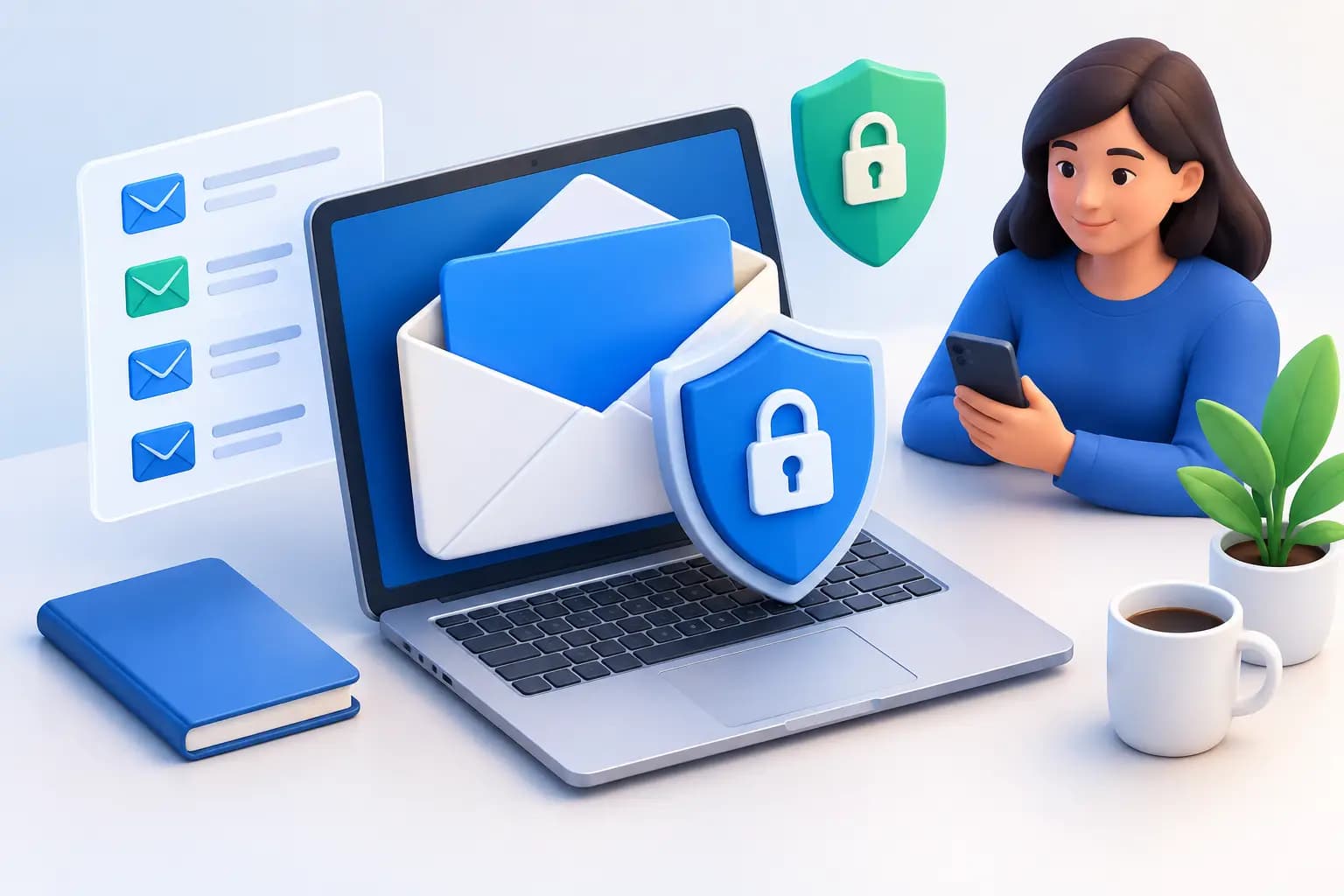
A tax notice arrives at your home while you are abroad. A customer returns a package to the address printed on your website. A bank sends a replacement card, or a state agency mails a time-sensitive filing request. Physical mail can still expose your personal address, interrupt operations, and create avoidable risk.
Learning how to protect mail privacy is not about making mail disappear. It is about separating the address you use publicly from the place you live, then creating a controlled process for every envelope and package that reaches your business.
For founders, remote professionals, and internationally based business owners, the right setup protects more than privacy. It preserves access to the documents that keep your company moving.
Why Mail Privacy Is a Business Issue
Your home address can reveal more than most people expect. It may appear in business registrations, invoices, online directories, customer correspondence, package labels, and public-facing legal documents. Once it is used as a business address, changing it later can mean updating banks, vendors, state agencies, marketplaces, and clients.
The risk is not limited to unwanted marketing mail. Sensitive correspondence can include tax records, account statements, government notices, contracts, checks, login recovery letters, and identity-verification documents. A missed envelope can be just as costly as an exposed one.
Mail privacy also has a credibility component. A commercial street address gives customers, partners, and institutions a more professional point of contact than a residence or a P.O. box. The goal is a premium U.S. business identity that remains reachable, verifiable, and separate from your personal life.
How to Protect Mail Privacy With an Address Strategy
The first decision is simple: avoid using your home address for business wherever a legitimate commercial address is appropriate. That includes your website, business formation paperwork where permitted, vendor accounts, customer returns, and routine correspondence.
A commercial virtual mailbox can provide a real street address while ensuring your mail is received by a staffed facility rather than left at your doorstep. This matters when you need to receive packages from private carriers or present a more formal address for banking, compliance, and business verification.
Not every address service supports every use case. Before selecting one, confirm whether it can receive USPS mail and packages, whether its address is a physical commercial location, and whether documentation such as a signed commercial lease or utility bill is available when your business requires proof of address. A mailing address may be enough for correspondence, but it may not satisfy a bank, marketplace, or government agency that needs formal verification.
There is also a compliance step. Services that receive mail on your behalf generally require USPS authorization through Form 1583 and identity verification. This is a feature, not friction. It helps establish a documented chain of custody for mail that may contain sensitive information.
Build a Controlled Mail Workflow
Privacy improves when mail handling stops depending on who happens to be home. Create a simple workflow that tells you what happens from arrival to final disposition.
Start with arrival notifications. You should know when a letter or package reaches your address without waiting for someone to forward it or send a photo. Timely visibility is especially valuable for government mail, legal correspondence, checks, and account-related notices with response deadlines.
Next, decide how each piece of mail should be handled. For routine items, an exterior scan may be enough to identify the sender and determine whether action is needed. For important documents, request a scan so you can review the contents in a secure dashboard. Keep scanning requests intentional: digitize what you need for decisions, records, or compliance, rather than creating copies of every low-value item.
Then choose a disposition. A document might be retained, forwarded, securely shredded, or shared with an authorized teammate. Packages may be forwarded individually or consolidated with other shipments to reduce cost and simplify delivery. The right choice depends on urgency, document sensitivity, and whether a physical original is legally or operationally necessary.
A system such as Virtual Mail Hub brings these actions into one remote-first dashboard, giving you control over scans, forwarding, shredding, check deposits, and package handling from wherever you are working.
Limit Who Can See Sensitive Mail
A virtual address is only as private as the permissions behind it. If you have a co-founder, operations manager, accountant, or executive assistant, give each person access based on what they actually need to do.
For example, an operations lead may need visibility into incoming packages but not personal financial correspondence. An accountant may need tax documents during filing season but not access to customer returns. Separate workspaces or controlled sharing reduce the chance that sensitive mail becomes visible simply because someone needed to handle one task.
Use strong, unique passwords for the dashboard that stores your mail records, and enable multi-factor authentication when it is available. Review account access after contractor departures, role changes, or team reorganizations. This is a small habit with an outsized effect because mail often contains the information used to verify identity or reset other accounts.
Be equally careful with email notifications. They should alert you that an item arrived, not expose unnecessary document details in a crowded inbox. If you receive scanned documents by email, make sure your inbox itself has strong security and is not shared broadly across a team.
Treat Digital Mail Like Confidential Business Records
Scanning physical mail makes it easier to act fast, but it also creates a digital record that deserves the same care as contracts, financial statements, and customer files.
Download only the documents you need to retain, and store them in organized folders with clear access rules. A vague folder called Mail can quickly become a collection of bank statements, tax notices, and personal records that nobody is responsible for protecting. Use categories such as Legal, Tax, Banking, Government, and Vendor Accounts so you can find what matters without oversharing the entire archive.
Set a retention policy. Some documents should be saved for years, while others should be securely destroyed as soon as they are reviewed. Keep originals when a regulator, bank, court, or contract may require them. For routine notices, a verified digital copy may be enough. The trade-off is convenience versus necessity: forwarding every item preserves originals but increases cost and handling; shredding too quickly can create problems when a document is later needed.
If a letter contains account numbers, tax information, identity documents, or other confidential data that you no longer need, use secure shredding rather than ordinary disposal. Tossing sensitive mail into a home or office trash bin undermines the privacy work you did upstream.
Protect the Address Beyond the Mailbox
Your address strategy should extend to the systems that publish or distribute it. Audit your website footer, contact page, invoices, shipping labels, email signatures, marketplace profiles, state filings, and vendor portals. Replace any personal address that does not need to be public.
For business formation and financial verification, use the address consistently when the institution permits it. Inconsistent addresses can trigger questions, delay account reviews, or make records harder to manage. At the same time, do not assume that one address serves every legal purpose. Registered agent requirements, residential identity verification, and tax obligations can differ by state and situation.
When you travel, avoid asking neighbors, guests, or short-term rentals to receive business mail. That creates an informal chain of custody and makes it easy for important items to be lost or opened by the wrong person. A managed address with documented handling is more dependable than a favor.
Respond Quickly When Privacy Is Compromised
If mail is misdelivered, opened without authorization, or sent to an old address, act quickly. Update the sender first, especially for banks, government agencies, and platforms that can issue replacement credentials or statements. Review the exposed information and monitor the related accounts for unusual activity.
For a former home address, update your business records systematically rather than one service at a time when a problem appears. Make a list of public listings, financial institutions, government agencies, suppliers, and customer-facing channels. A clean transition protects privacy and prevents critical mail from being split between locations.
Mail privacy is most effective when it becomes routine: one legitimate address, clear handling rules, restricted access, and a secure dashboard that keeps every decision visible. That gives you room to build from anywhere without making your home part of the business infrastructure.
Frequently Asked Questions
Is a virtual mailbox more private than using my home address?
Yes, when it uses a legitimate commercial street address and controlled mail handling. It keeps your residence off public-facing business materials while allowing you to receive, review, forward, or securely destroy mail remotely. You still need to use the address appropriately for each institution's requirements.
Can I receive government mail and bank correspondence at a virtual mailbox?
Many virtual mailbox services can receive government and bank mail, but acceptance depends on the sender's policies and the purpose of the address. If you need the address for formal business verification, look for supporting documentation such as a signed commercial lease and utility bill, and confirm requirements with the institution before applying.
Should I scan every piece of mail I receive?
Not necessarily. Scan documents that require a decision, recordkeeping, or timely response. For low-priority mail, an exterior scan and secure shredding may be more efficient. Keep physical originals when they may be required for compliance, banking, legal matters, or tax records.
What should I do with mail that contains sensitive information?
Review it through a controlled account, retain only the records you need, and use secure shredding for documents that are no longer necessary. Restrict dashboard access to authorized people and avoid forwarding confidential mail to temporary locations. A few deliberate rules can keep your personal address private while ensuring every important letter remains within reach.