You can summarize the following content using these AI tools:

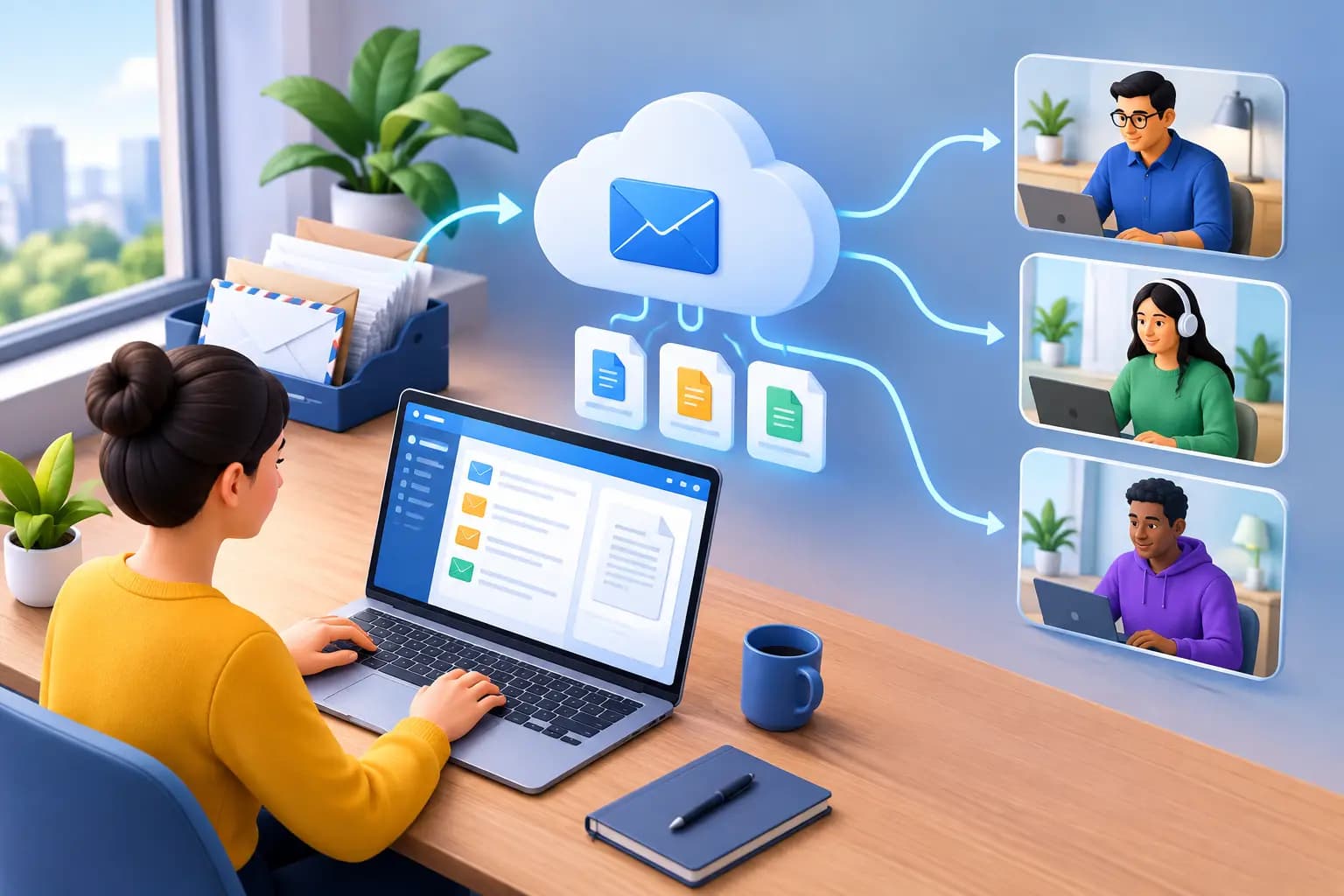
A government notice arrives at an office you rarely visit. A bank sends a time-sensitive verification letter. A supplier ships replacement inventory to the address on file. For remote businesses, physical mail can still create expensive delays.
Digital mailroom software gives founders and distributed teams a practical way to receive, review, route, and act on mail without being physically present. Instead of relying on a teammate to check a mailbox or forwarding every envelope to a home address, you manage each item through a secure dashboard. Every letter, opened anywhere you land, becomes a controlled business process rather than a blind spot.
What Digital Mailroom Software Does
Digital mailroom software combines physical mail handling with a digital workflow. Mail is received at a commercial location, logged as it arrives, and made visible online. Depending on your instructions and service level, you can request an envelope scan, have contents digitized, forward an item, shred it, deposit an eligible check, or consolidate packages for shipment.
That distinction matters. A basic mailbox service may receive mail, but it does not necessarily give you the visibility, permissions, document controls, and action options a growing company needs. A digital mailroom is built around the question that follows receipt: what needs to happen next?
For a solo founder, that may mean checking a state filing notice while traveling. For an operations team, it may mean routing vendor invoices to finance, sending legal correspondence to counsel, and forwarding product samples to a fulfillment partner. The software creates a clear record of each step so important documents do not sit unseen in a physical inbox.
Why Remote Businesses Need a Digital Mailroom
Remote work did not eliminate paper. Banks, state agencies, tax authorities, insurers, legal firms, and vendors continue to send documents that may require a fast response. The risk is not merely inconvenience. Missed mail can lead to delayed account verification, missed compliance deadlines, interrupted service, or decisions made without the right documentation.
A digital mailroom creates visibility across locations and time zones. Founders can review incoming mail from abroad. A business partner can receive appropriate access without sharing a personal mailbox. Teams can maintain continuity when someone is on leave, changes roles, or moves to a new city.
It also separates your business identity from your personal address. That is especially useful for consultants, e-commerce operators, digital nomads, and internationally based founders building a U.S. presence. A commercial street address can present a more credible public-facing identity than a home address or P.O. box, though you should always confirm that it meets the requirements of the bank, marketplace, agency, or platform involved.
From Incoming Letter to Completed Action
The value of a digital mailroom is in the workflow, not just the scan. A well-designed process generally starts when an item is received and recorded. You receive a notification, review the sender and envelope image, then choose the next action through your dashboard.
For routine items, you may authorize secure shredding. For correspondence requiring review, you can request an interior scan and store the document in your account. If the item must be handled physically, you can have it forwarded to your current location. Package consolidation can reduce shipping complexity when multiple items need to travel together.
The right setup also reduces unnecessary exposure. Not every envelope needs to be opened, digitized, or shared with every user. Permission controls, activity records, and clear handling instructions allow the business to match access to responsibilities. This is particularly valuable when mail contains account details, tax information, contracts, customer records, or legal notices.
There are trade-offs. Scanning every piece of incoming mail may be useful for a small company with a low volume of critical correspondence, but it can create excess review work for a high-volume operation. In that case, sender rules and team routing can help prioritize mail from banks, government agencies, registered agents, key clients, or suppliers. The best workflow is not the one that digitizes everything. It is the one that helps your team act quickly on what matters.
A Business Address Is Part of the Workflow
For many founders, mail management begins with the need for a legitimate business address. The address may appear on formation documents, bank applications, invoices, marketplace accounts, tax filings, and client-facing materials. But an address alone does not solve the operating problem if the mail sent there remains inaccessible.
A strong digital mailroom service connects address credibility with ongoing control. You receive mail at a real commercial street address, access it through a secure dashboard, and maintain a consistent record of how each item was handled. When formal address documentation is needed, signed commercial leases and utility bills can support business formation, banking, verification, and other compliance-sensitive processes.
Requirements vary. Some institutions have their own rules on acceptable address documents, and some government filings distinguish between a principal office, mailing address, and registered agent address. Treat your mailroom provider as part of your operational infrastructure, not a substitute for reviewing the specific requirements that apply to your business.
What to Look for in Digital Mailroom Software
Start with the physical operation behind the software. The dashboard can look polished, but dependable mail handling requires trained staff, clear intake procedures, accurate logging, and secure storage. Ask how mail is received, when notifications are sent, how long items are held, and how forwarding requests are processed.
Next, evaluate controls. Your provider should support identity verification and USPS-compliant authorization where required, along with secure account access and clear handling choices. Look for item-level visibility, documented actions, and a process for managing sensitive material. Security is not only about encryption. It is also about knowing who received a physical item, what happened to it, and when.
Consider the documents your business needs to establish its U.S. presence. If you expect bank verification, entity formation, platform onboarding, or vendor compliance checks, ask whether the provider can supply appropriate commercial address documentation. A prestigious location is useful, but proof of address can be the deciding factor when an institution asks for supporting records.
Finally, consider scale. Your needs may change from occasional letters to recurring invoices, customer returns, check deposits, and international package forwarding. Choose a service that lets you adjust mail actions without rebuilding your address setup later. Virtual Mail Hub is designed around that model: a premium U.S. business identity paired with mail management on autopilot, from arrival notifications to forwarding and secure document access.
Making the Transition Without Missing Mail
Moving business mail to a digital workflow should be deliberate. Start by identifying every place your current address is used: formation records, IRS correspondence, bank profiles, payment processors, marketplaces, insurance policies, supplier accounts, and client contracts. Update each one according to its procedures, and keep a record of the change date.
Then create simple handling rules before the first mail arrives. Decide who should see legal mail, who approves forwarding costs, which senders require immediate notification, and how long digital records should be retained. A two-person company may keep this informal. A larger remote team benefits from defined responsibilities and a regular review of critical correspondence.
Do not forget packages. If your business receives samples, returns, prototypes, or inventory, clarify whether the location accepts those items, how package dimensions affect pricing, and whether consolidation or international forwarding is available. Letter mail and physical goods have different operational needs.
Frequently Asked Questions
Is digital mailroom software the same as a virtual mailbox?
They overlap, but digital mailroom software places more emphasis on the workflow after mail arrives. A virtual mailbox gives you remote visibility and handling options. A digital mailroom adds organized routing, permission controls, records, and repeatable actions for business correspondence.
Can I use a digital mailroom address for my business?
It depends on the purpose and the requirements of the organization asking for the address. A commercial street address may be suitable for many business, banking, and verification needs, especially when supporting documents such as a signed lease or utility bill are available. Always verify the specific policy for your filing, bank, or platform.
How quickly can I see incoming mail?
Timing depends on the provider's intake schedule and the service level you select. Typically, mail is logged after receipt and an arrival notification is sent so you can choose whether to scan, forward, shred, or store the item. Review service terms for processing timeframes on scans, forwarding, and check deposits.
Is it safe to digitize sensitive business mail?
It can be, provided the service uses secure account access, controlled physical handling, documented mail actions, and appropriate authorization procedures. You should also limit account permissions, use strong passwords and multi-factor authentication where available, and avoid sharing access broadly. The goal is simple: sensitive mail should be easier to track and protect than it was in an unattended mailbox.
A physical address should not keep your business tied to one place. With the right mailroom workflow, your critical correspondence stays visible, actionable, and under your control wherever work takes you.